TITLE: Poster
MEDIA: Digital Illustration
SOFTWARE: Adobe Illustrator
HARDWARE: MacOS
SPECIFICATIONS: 800X600px, RGB, 72DPI
CLASS: FMX 210 Digital Media
PROFESSOR: Santiago Echeverry
SEMESTER / TERM: FA 21
INSTITUTION: University of Tampa
LINK: https://mjb7261.blogspot.com/2021/11/friday-night-frights-poster-design.html
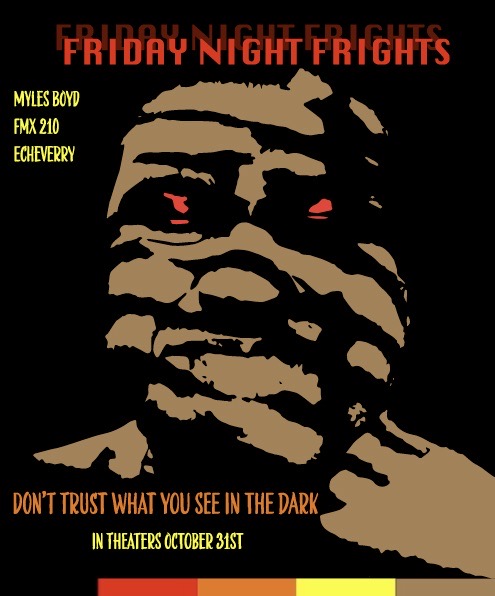
DESCRIPTION: Using Adobe Illustrator, I was tasked to create a poster with a message using an original photo of ourselves. I had a completely different plan when first going into it where I wanted to make a poster based on mental health to raise awareness. The original photo was of me smiling and I was going to add the text “smiling through the pain”, a quote often used by people who experience depression. Unfortunately, something happened with the image when importing it into Illustrator where these black lines were appearing across my face. After looking at the uploaded black and white version of the photo, I decided to go in a completely different direction and make a horror movie poster given it was the week of Halloween.
TITLE: Calligram
MEDIA: Digital Illustration
SOFTWARE: Adobe Illustrator
HARDWARE: MacOS
SPECIFICATIONS: 2000X1500px, RGB, 72DPI
CLASS: FMX 210 Digital Media
PROFESSOR: Santiago Echeverry
SEMESTER / TERM: FA 21
INSTITUTION: University of Tampa
LINK: https://mjb7261.blogspot.com/2021/10/self-portrait-calligram.html
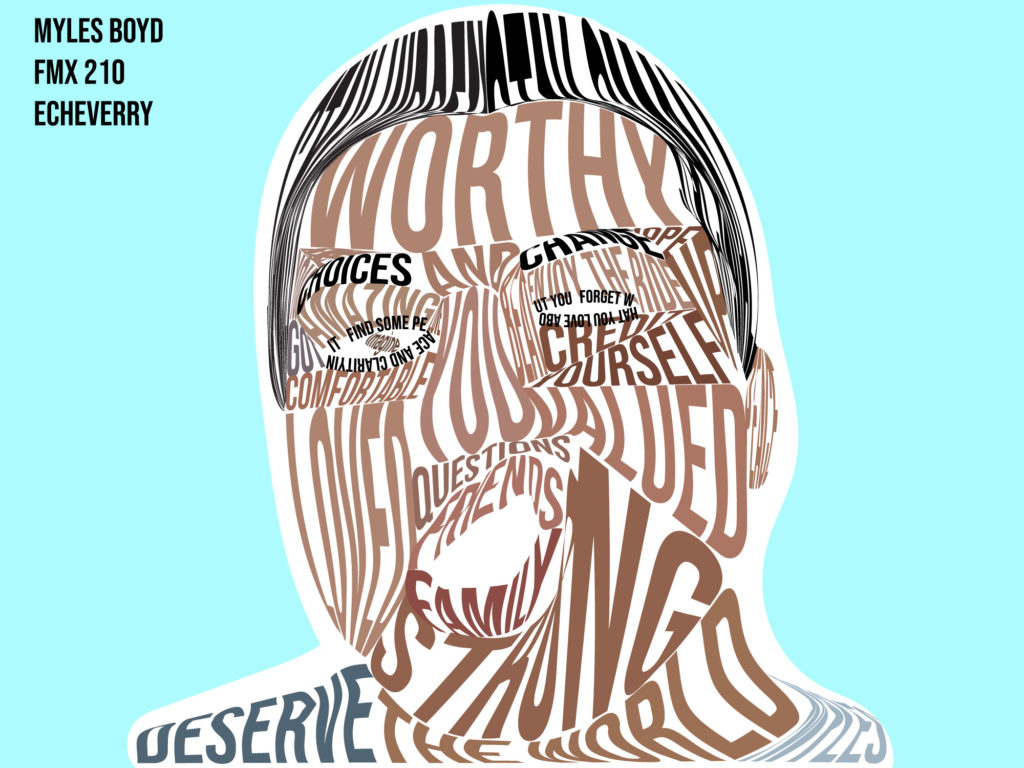
DESCRIPTION: The “Calligram” is an image of yourself that is made entirely out of text. First I wrote a letter to my future self and then used different words and phrases to create the illustration. In Adobe Illustrator, I used the pen tool to trace the different parts of my face and hair to make the shapes for my words to go into. The colors were taken from the original photo and imported into Illustrator as well. This, however, was not the original piece as I didn’t have the white separating the Calligram and the background. It was added after the presentation of the piece to enhance and increase visibility of the work.

TITLE: Logos/Business Cards
MEDIA: Digital Illustration
SOFTWARE: Adobe Illustrator
HARDWARE: MacOS
SPECIFICATIONS: 800X600px, RGB, 72DPI
CLASS: FMX 210 Digital Media
PROFESSOR: Santiago Echeverry
SEMESTER / TERM: FA 21
INSTITUTION: University of Tampa
LINK: https://mjb7261.blogspot.com/2021/10/loud-entertainment-co-logo-design.html
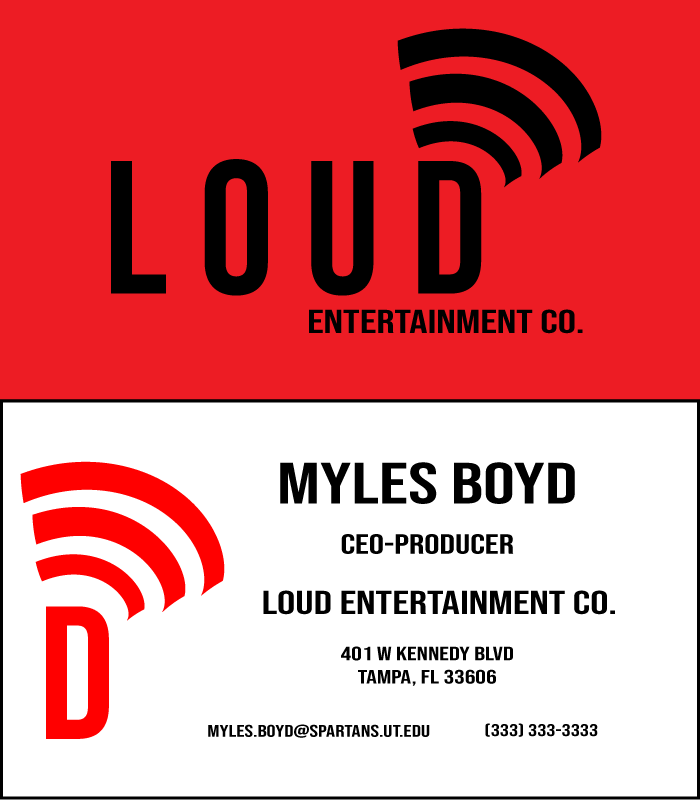
DESCRIPTION: For the logo and business card project we first had to do an exercise where we wrote 5 characteristics of ourselves. Then of those 5 words we had to design different potential logos on paper, and choose the best one. Out of my 5 words I chose to use the word “loud”. After brainstorming, I decided to make an entertainment company logo and have myself portray a music producer. This was not the original idea I had in mind where I first wanted to make a cheerleading bullhorn that spelled “LOUD” at the base of the horn. That idea was extremely complicated, so instead I went with my second idea which was sound waves like a speaker.