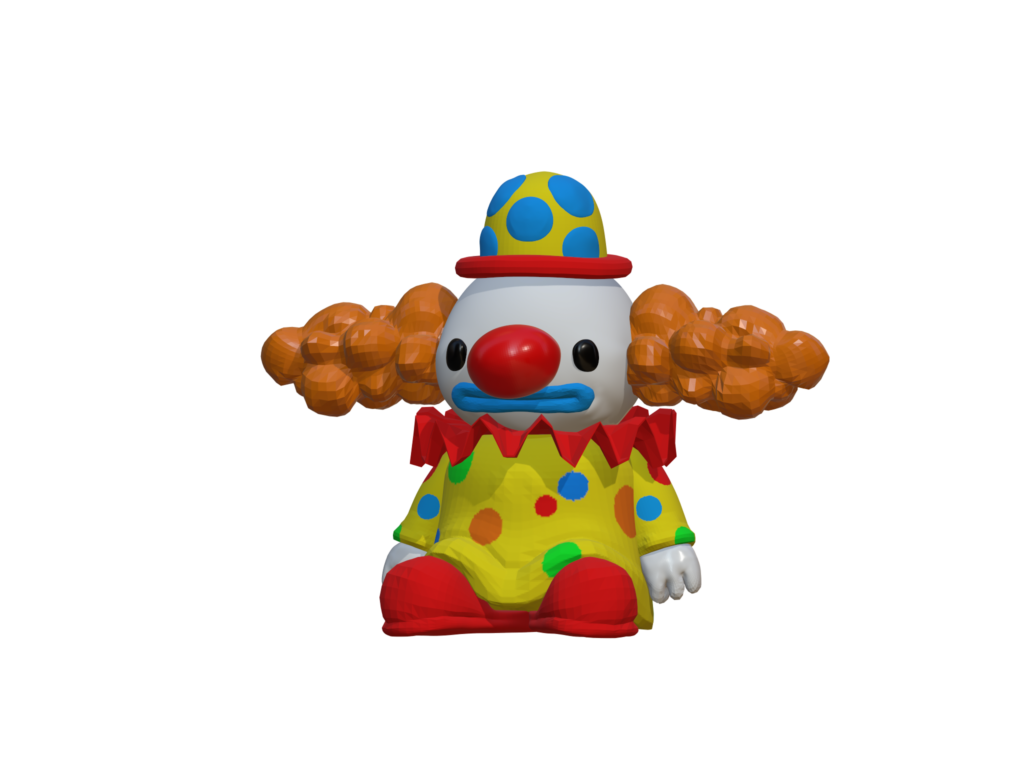
TITLE: THE CLOWN
MEDIA: 3D Model
SOFTWARE: Nomad
HARDWARE: Microsoft Windows 11
DESCRIPTION: This is one of the first models I did on the program Nomad. It was a thank you to Team Sometimes Y for letting me work on their Steam video game. The model is based off of one of their characters you can find in their game. The character is a clown that can be found in various different locations in the game. Since their game is 2d based, I had to recreate the character in a 3D layout before I went into modeling.
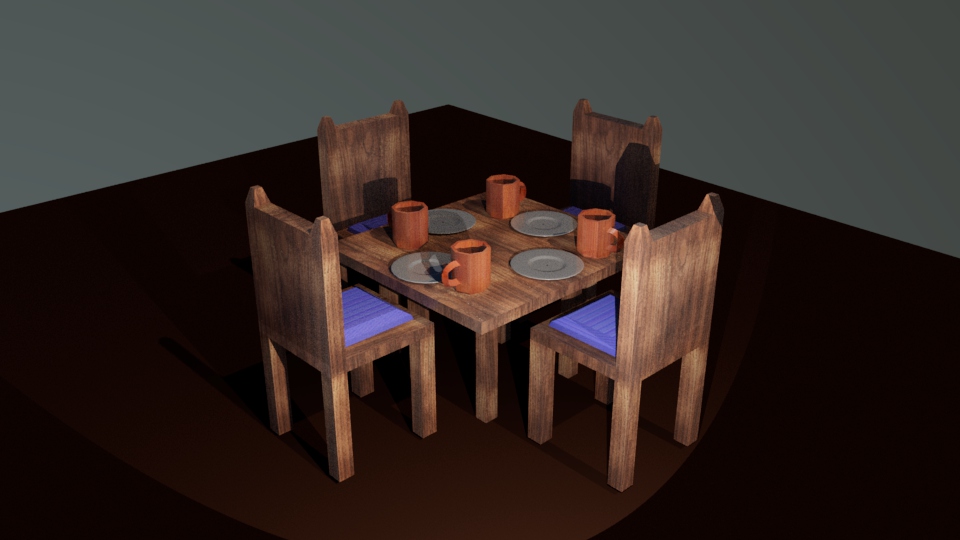
TITLE: DINNER SCENE
MEDIA: 3D MODEL
SOFTWARE: Autodesk Maya
HARDWARE: Microsoft Windows 11
CLASS: FMX 217 3D Animation I
PROFESSOR: Marcio Goncalves
SEMESTER / TERM: SP 22
INSTITUTION: University of Tampa
DESCRIPTION: For this scene, I created four models to make it look like a dinner table. In addition, I had to apply textures to each of the models. I decide to add plates and mugs on the table to help add detail to the scene. In Autodesk Maya, I started to design the center piece of the table. Then, I used the tools to sculpt the chair and the pillow before duplicating the model four times. I repeated the process for the rest of the models.
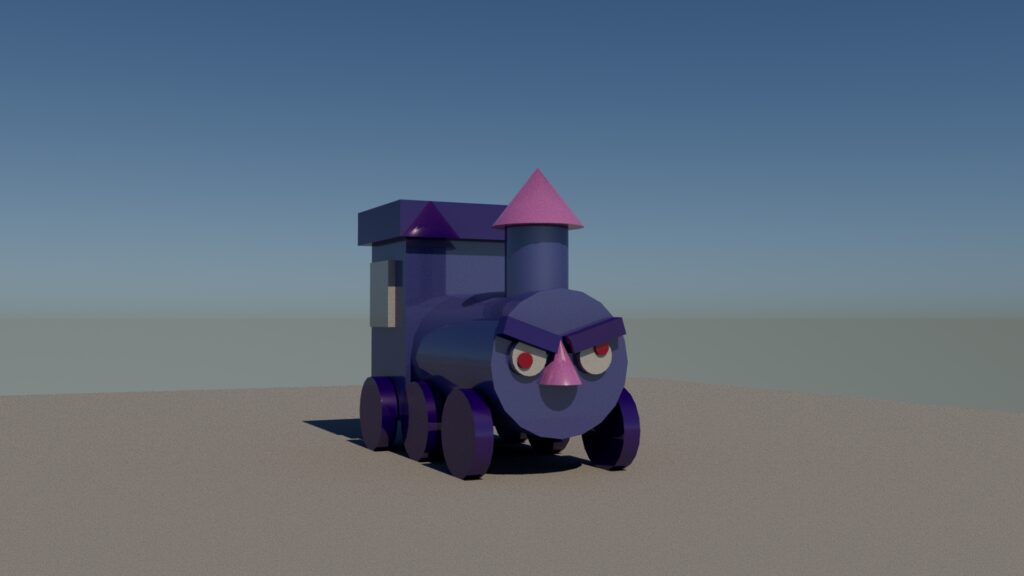
TITLE: THE PISSED OFF TRAIN
MEDIA: 3D MODEL
SOFTWARE: Autodesk Maya
HARDWARE: Microsoft Windows 11
CLASS: FMX 217 3D Animation I
PROFESSOR: Marcio Goncalves
SEMESTER / TERM: SP 22
INSTITUTION: University of Tampa
DESCRIPTION: This is the first model I designed in Autodesk Maya. Originally, this model was a regular toy train. However, I wanted to add more character to the model itself. After using the basic shapes to design the body of the train, I thought about what I could do to make this train into something more. By adding it’s angry face, it felt more like a fun toy to me. It also helped created the first steps into discovering what I can do with 3D Modeling.
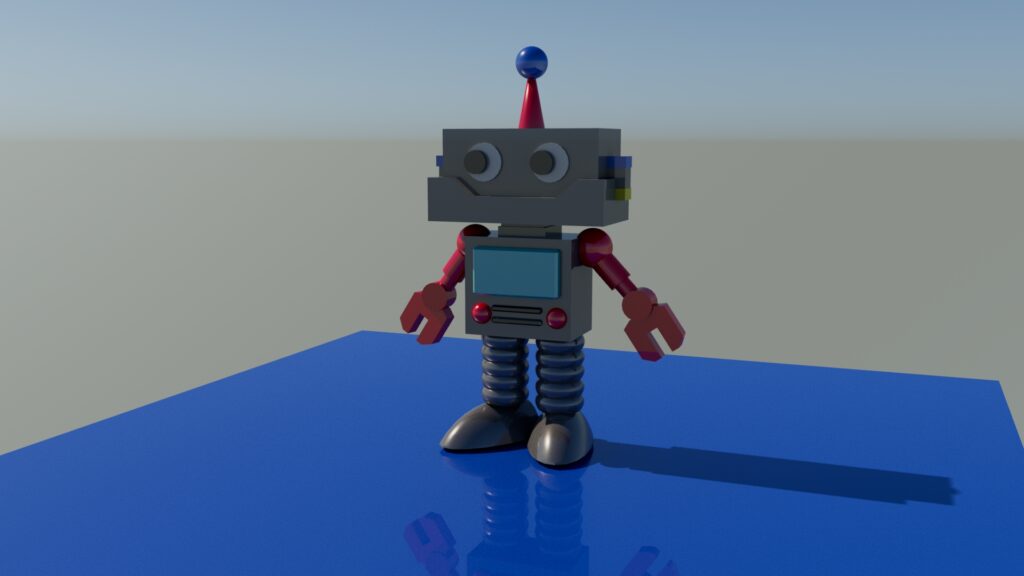
TITLE: Robot
MEDIA: 3D MODEL
SOFTWARE: Autodesk Maya
HARDWARE: Microsoft Windows 11
CLASS: FMX 217 3D Animation I
PROFESSOR: Marcio Goncalves
SEMESTER / TERM: SP 22
INSTITUTION: University of Tampa
DESCRIPTION: This is a simple A position robot model I created in Autodesk Maya. However, this was the first time I started to create more detailed shapes in Maya. From the arms to the legs of the robot, I was able to create a more detailed design for my character.
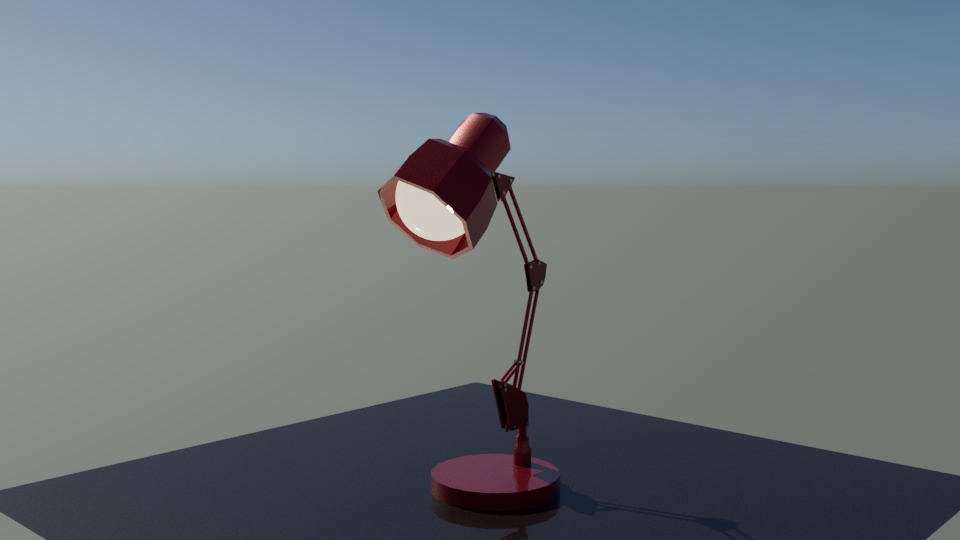
TITLE: THE LAMP
MEDIA: 3D MODEL
SOFTWARE: Autodesk Maya
HARDWARE: Microsoft Windows 11
CLASS: FMX 213 3D Printing and Modeling
PROFESSOR: Dana Corrigan
SEMESTER / TERM: SP 22
INSTITUTION: University of Tampa
DESCRIPTION: This model is based on the everyday lamp. While the model seems simple at first, I had to explore the mechanics that went into the design of a lamp. I research many different designs of a lamp before deciding on one design. Afterwards, I added the tiny details of the screws and multiple pipes that goes into a simple lamp.
TITLE: GOBLIN
MEDIA: 3D MODEL
SOFTWARE: Autodesk Maya
HARDWARE: Microsoft Windows 11
CLASS: FMX 213 3D Printing and Modeling
PROFESSOR: Dana Corrigan
SEMESTER / TERM: SP 22
INSTITUTION: University of Tampa
DESCRIPTION: This model is based off of one of my designed characters. For this model, I sculpted the Goblin to fit an A pose. Later in the process, I fused a skeleton to the model. After fusing the skeleton rig to the model, I was able to position it to fit this pose for the character. Since the goblin character has high energy and a happy personality, the jumping into the air with a peace sign seemed like the perfect pose for her.