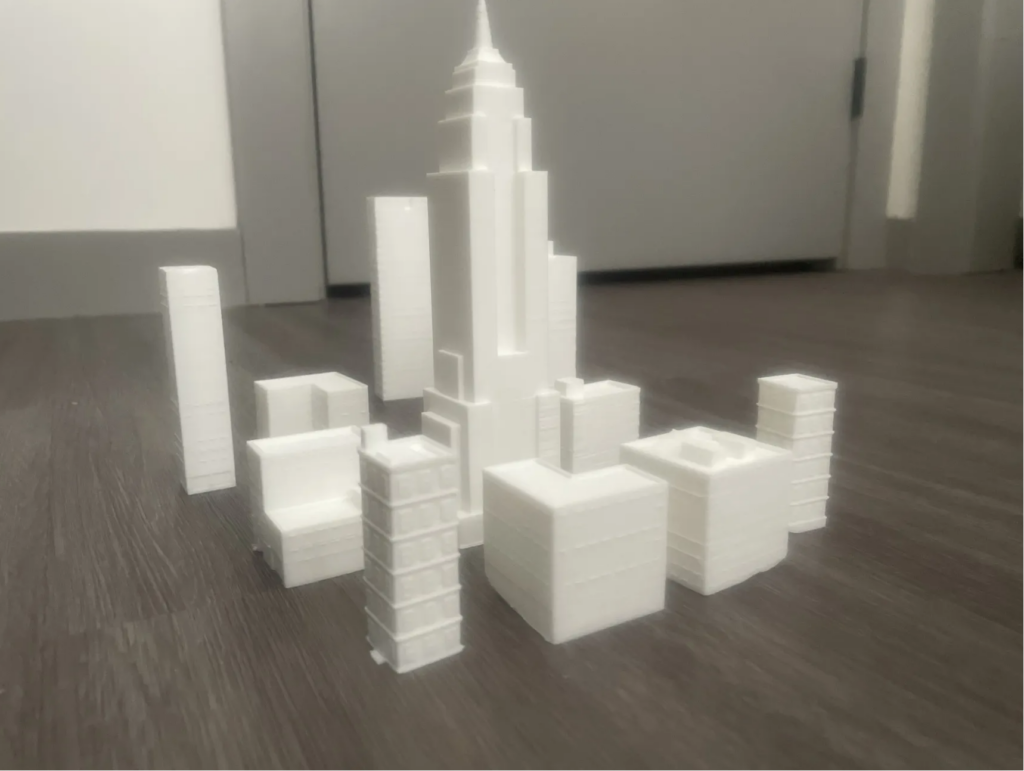
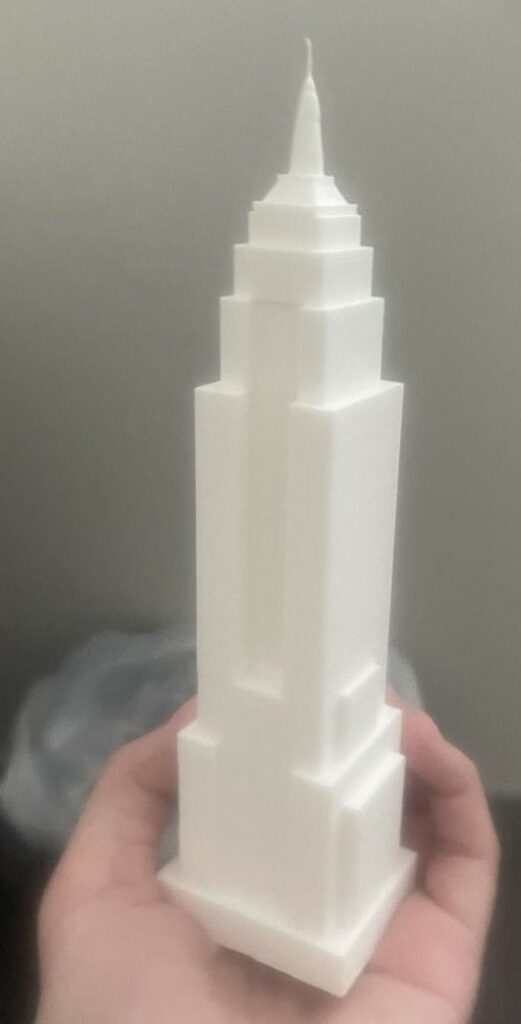
TITLE: Empire State Building/Small City
YOUR ROLE: 3D Modeler
MEDIA: 3D Modeling
SOFTWARE: Tinkercad, Superslicer
HARDWARE: Windows 11, Ultimaker 3 extended 3D printer
CLASS: FMX 322-1 – Visual Effects
PROFESSOR: Javier Olarte
SEMESTER / TERM: FA 23
INSTITUTION: University of Tampa
DESCRIPTION: I took models of building I had made and the empire state building. I then uploaded it to Superslicer and adusted the size and setings for 3d printing. I then downloaded the file for printing and placed it into the 3d printer. I printed the empire sate building and the rest of the buileding sepreatly. I also adjusted the size to make sure the other building where smaller then the state building without being to small.
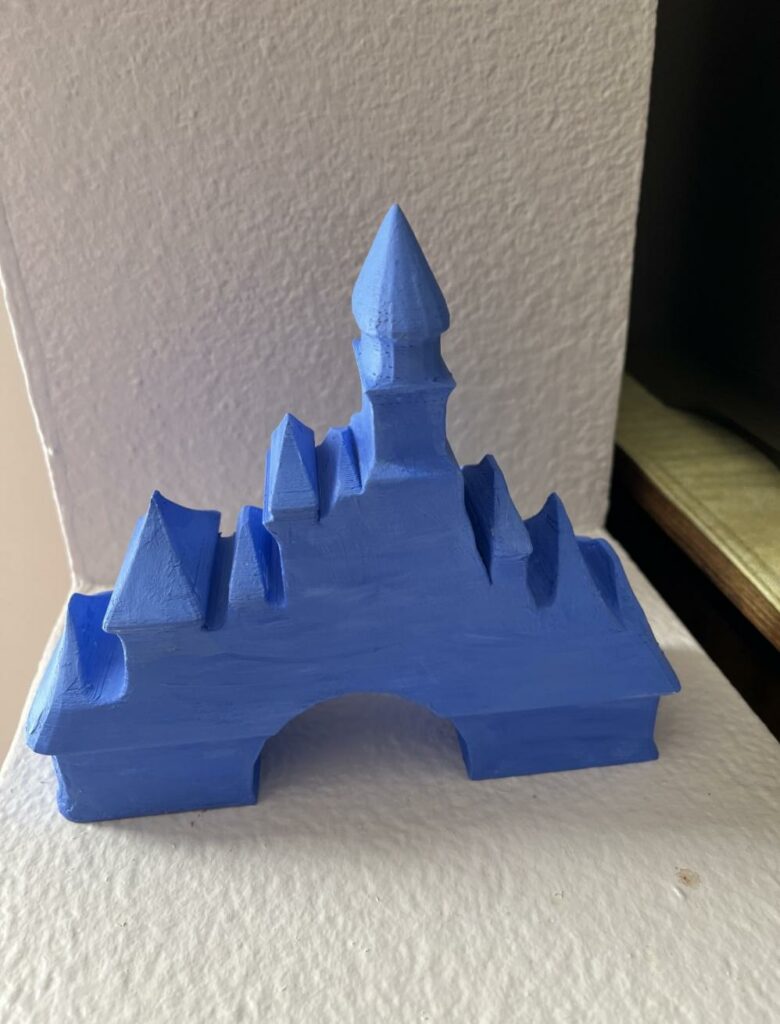
TITLE: Castle
YOUR ROLE: 3D Modeler
MEDIA: 3D Modeling
SOFTWARE: Maya, Superslicer
HARDWARE: Windows 11, Ultimaker 3 extended 3D printer
CLASS: FMX 213-1 – 3D Printing and Modeling
PROFESSOR: Stephen Dinehart
SEMESTER / TERM: SP 23
INSTITUTION: University of Tampa
DESCRIPTION: I took a model of a Castle based on the old Disney logo I had made in Maya and downloaded it. I then uploaded it to Superslicer and adusted the size and setings for 3d printing. I then downloaded the file for printing and placed it into the 3d printer. I watched the print for a while to make sure it started smoothly before leaving it to print. When I came back it was finished and I removed it from the machine. A few weeks later I got sand paper and paints, sanding down the model. I then mixed paint to get a shade of blue similar to the old logo and painted it till I have happy with it.
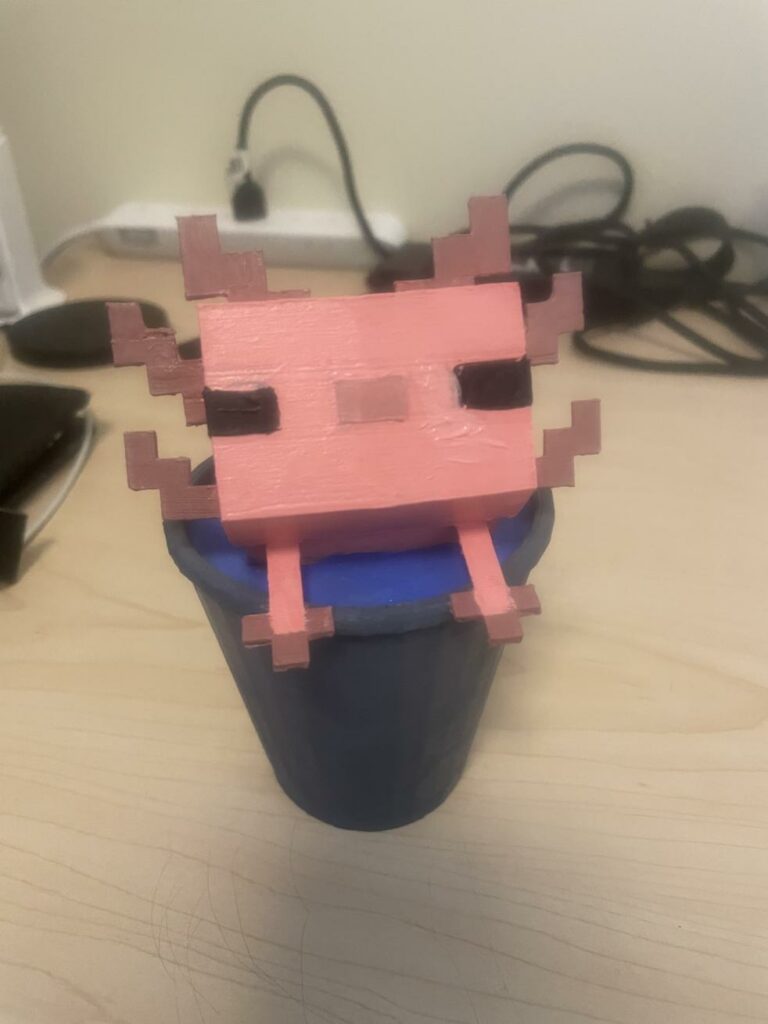
TITLE: Axol in Bucket
YOUR ROLE: 3D Modeler
MEDIA: 3D Modeling
SOFTWARE: Maya, Superslicer
HARDWARE: Windows 11, Ultimaker 3 extended 3D printer
CLASS: FMX 213-1 – 3D Printing and Modeling
PROFESSOR: Stephen Dinehart
SEMESTER / TERM: SP 23
INSTITUTION: University of Tampa
DESCRIPTION: I took a model of a MC Axolotl in a bucket I had made in Maya and downloaded it. I then uploaded it to Superslicer and adusted the size and setings for 3d printing. I then downloaded the file for printing and placed it into the 3d printer. I watched the print for a while to make sure it started smoothly before leaving it to print. When I came back it was finished and I removed it from the machine. A few weeks later I got sand paper and paints, sanding down the model. I then painted it useing tape to help keep cetain art from getting repainted, working on it till I was happy with them.
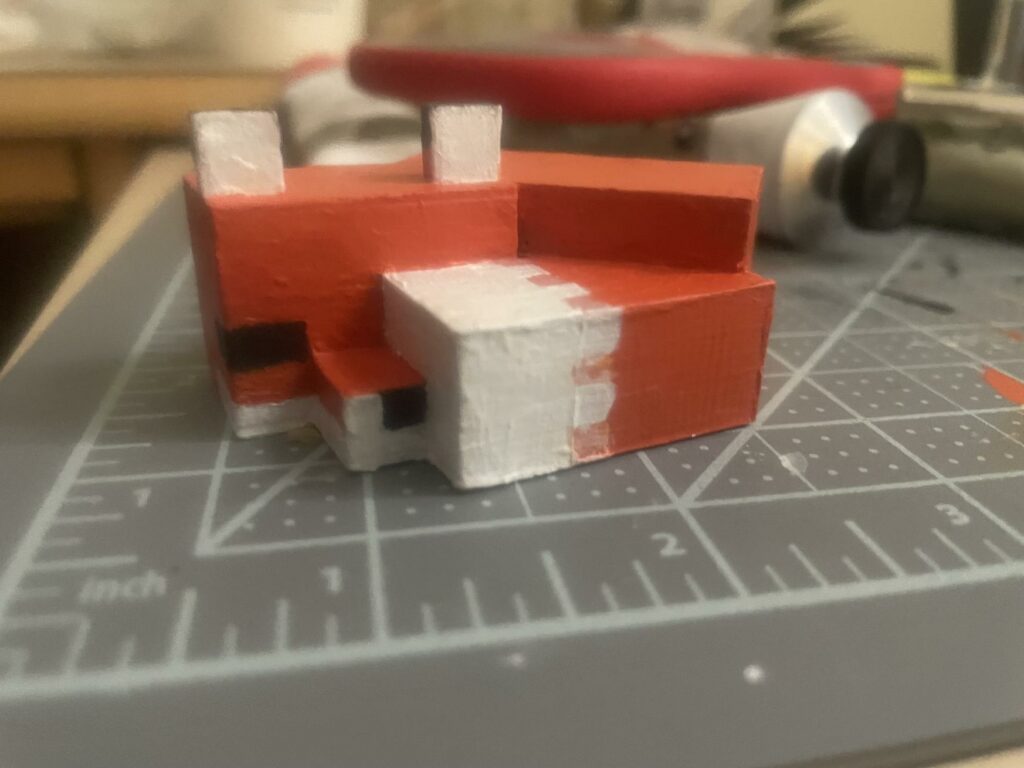
TITLE: MC Fox
YOUR ROLE: 3D Modeler
MEDIA: 3D Modeling
SOFTWARE: Tinkercad, Superslicer
HARDWARE: Windows 11, Ultimaker 3 extended 3D printer
CLASS: FMX 213-1 – 3D Printing and Modeling
PROFESSOR: Stephen Dinehart
SEMESTER / TERM: SP 23
INSTITUTION: University of Tampa
DESCRIPTION: I took a model of a chess pawn I had made in Maya and downloaded it. I then uploaded it to Superslicer and adusted the size and setings for 3d printing. I then downloaded the file for printing and placed it into the 3d printer. I watched the print for a while to make sure it started smoothly before leaving it to print. When I came back it was finished and I removed it from the machine. A few weeks later I got sand paper and paints, sanding down the model. I then painted it useing tape to help keep cetain art from getting repainted, working on it till I was happy with them.
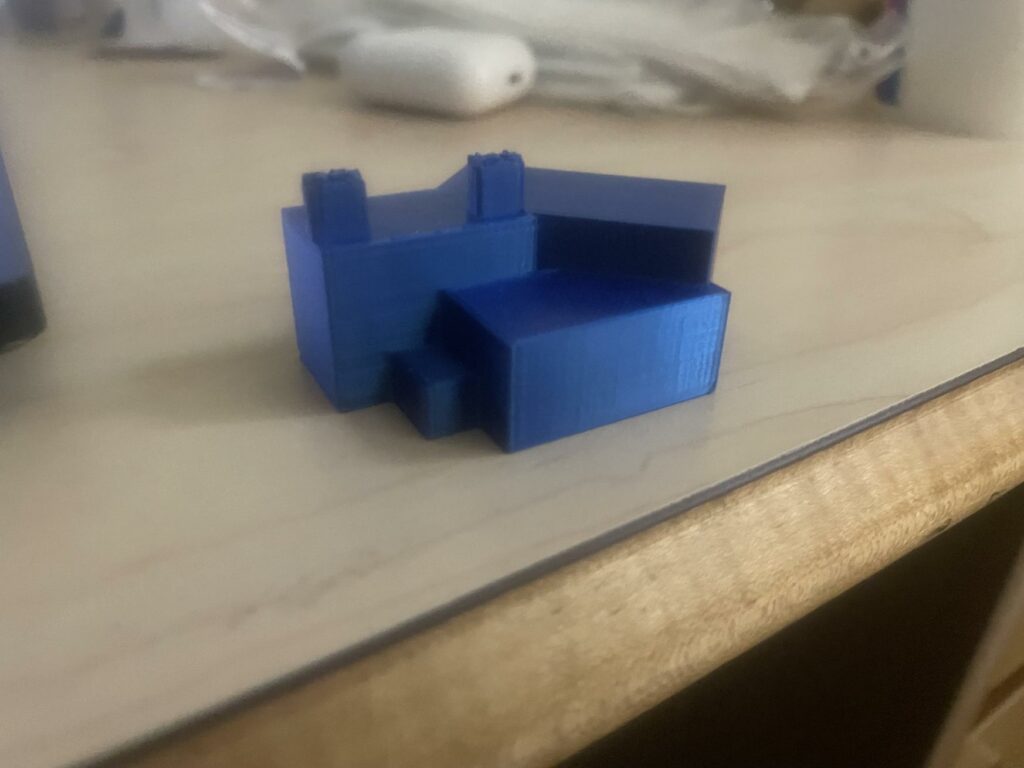
TITLE: The Shiny Blue MC Fox
YOUR ROLE: 3D Modeler
MEDIA: 3D Modeling
SOFTWARE: Tinkercad, Superslicer
HARDWARE: Windows 11, Ultimaker 3 extended 3D printer
CLASS: FMX 213-1 – 3D Printing and Modeling
PROFESSOR: Stephen Dinehart
SEMESTER / TERM: SP 23
INSTITUTION: University of Tampa
DESCRIPTION: I took a model of a Minecraft fox I had made in Tinkercad and downloaded it. I then uploaded it to Superslicer and adusted the size and setings for 3d printing. I then downloaded the file for printing and placed it into the 3d printer. I brought my own filament for this one and placed it into the machine. I watched the print for a while to make sure it started smoothly before leaving it to print. When I came back it was finished and I removed it from the machine.
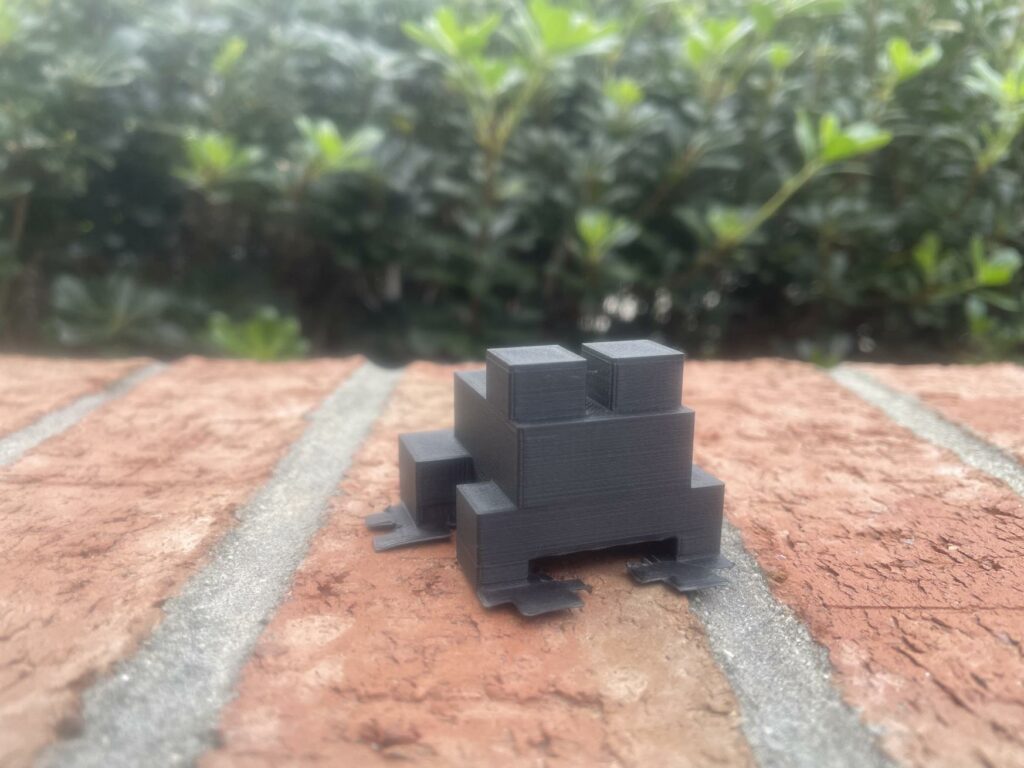
TITLE: MC Frog
YOUR ROLE: 3D Modeler
MEDIA: 3D Modeling
SOFTWARE: Tinkercad, Superslicer
HARDWARE: Windows 11, Ultimaker 3 extended 3D printer
CLASS: FMX 213-1 – 3D Printing and Modeling
PROFESSOR: Stephen Dinehart
SEMESTER / TERM: SP 23
INSTITUTION: University of Tampa
DESCRIPTION: I took a model of a minecraft frog I had made in Tinkercad and downloaded it. I then uploaded it to Superslicer and adusted the size and setings for 3d printing. I then downloaded the file for printing and placed it into the 3d printer. I watched the print for a while to make sure it started smoothly before leaving it to print. When I came back it was finished and I removed it from the machine.
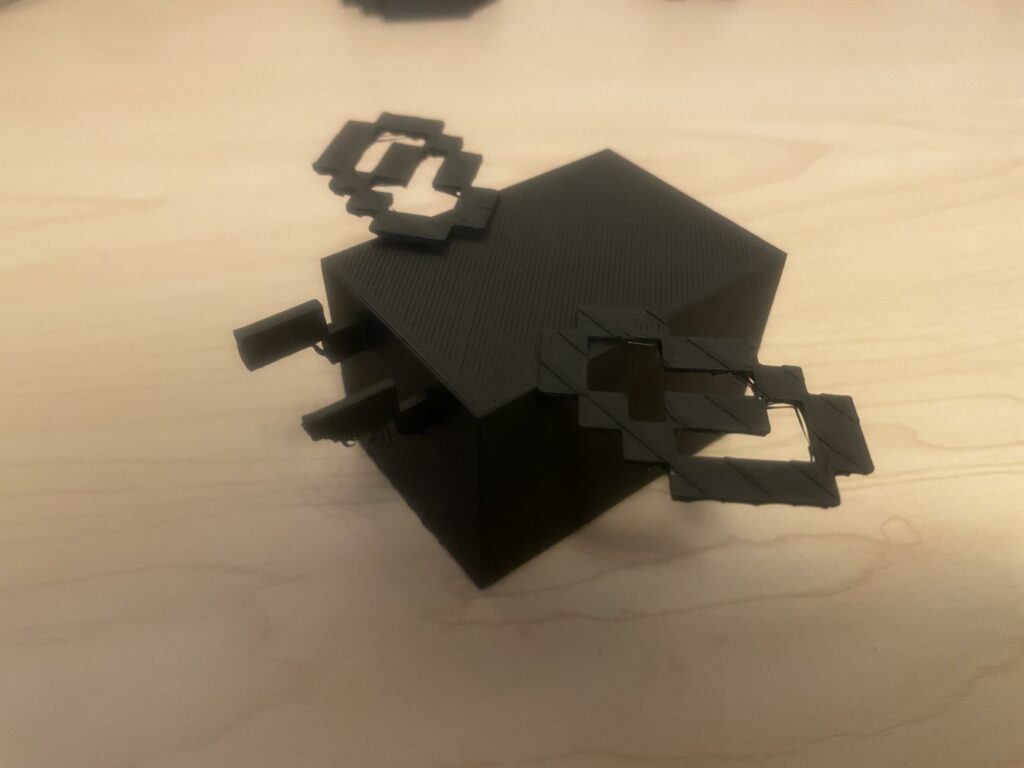
TITLE: MC Bee
YOUR ROLE: 3D Modeler
MEDIA: 3D Modeling
SOFTWARE: Tinkercad, Superslicer
HARDWARE: Windows 11, Ultimaker 3 extended 3D printer
CLASS: FMX 213-1 – 3D Printing and Modeling
PROFESSOR: Stephen Dinehart
SEMESTER / TERM: SP 23
INSTITUTION: University of Tampa
DESCRIPTION: I took a model of a minecraft bee I had made in Tinkercad and downloaded it. I then uploaded it to Superslicer and adusted the size and setings for 3d printing. I then downloaded the file for printing and placed it into the 3d printer. I watched the print for a while to make sure it started smoothly before leaving it to print. This one I had to print a few times adjusting the wings to be thicker so they would not snap off.
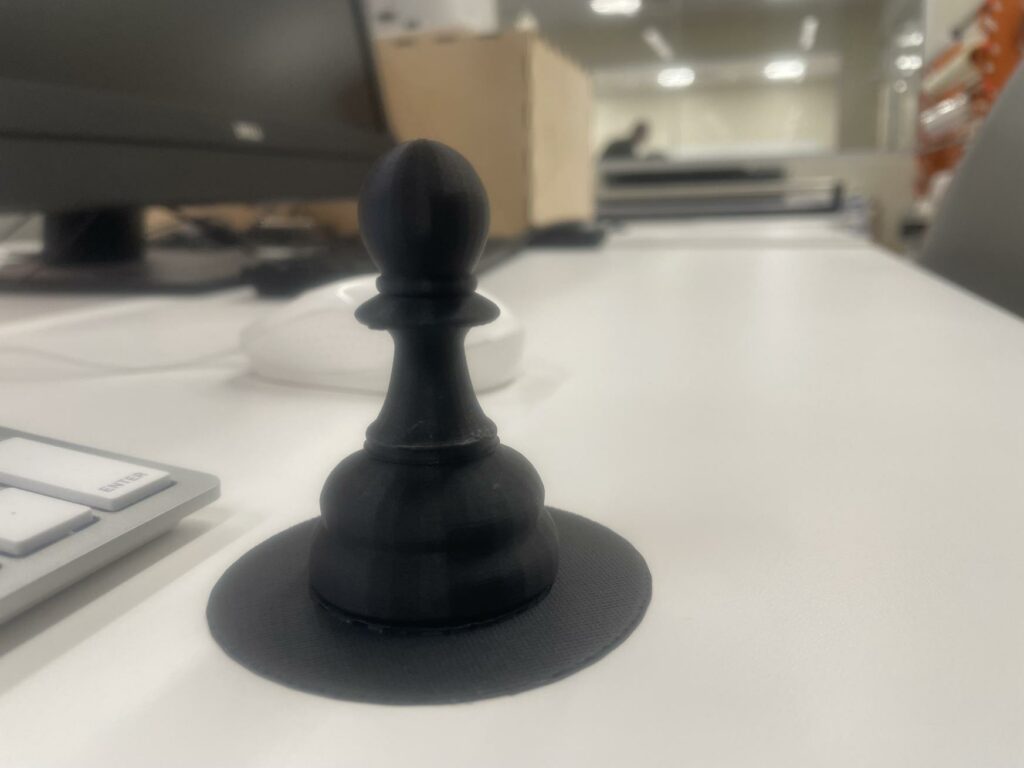
TITLE: Chess pawn
YOUR ROLE: 3D Modeler
MEDIA: 3D Modeling
SOFTWARE: Maya, Superslicer
HARDWARE: Windows 11, Ultimaker 3 extended 3D printer
CLASS: FMX 213-1 – 3D Printing and Modeling
PROFESSOR: Stephen Dinehart
SEMESTER / TERM: SP 23
INSTITUTION: University of Tampa
DESCRIPTION: I took a model of a chess pawn I had made in Maya and downloaded it. I then uploaded it to Superslicer and adusted the size and setings for 3d printing. I then downloaded the file for printing and placed it into the 3d printer. I watched the print for a while to make sure it started smoothly before leaving it to print. When I came back it was finished and I removed it from the machine.