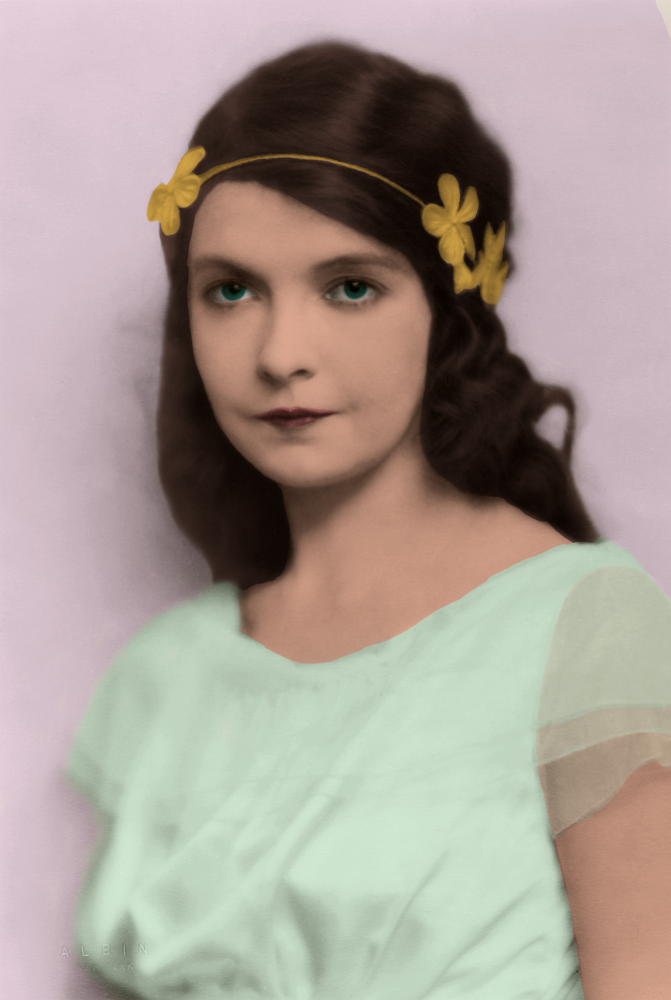
TITLE: Photo Coloring
MEDIA: Photo Editing
SOFTWARE: Photoshop
HARDWARE: Windows 10
CLASS: FMX 207 Digital Illustration
PROFESSOR: Chip Neville
SEMESTER / TERM: FS 21
INSTITUTION: University of Tampa
DESCRIPTION: I found an old back and white photo. I then began to add color to it, starting with picking a color for the dress. I then worked on her skin, face, and hair. I then did her headbanded chooseing a gold color and did the mesh sleeves of the dress. I then gave her green eyes to match the dress a added a background color to complete it.
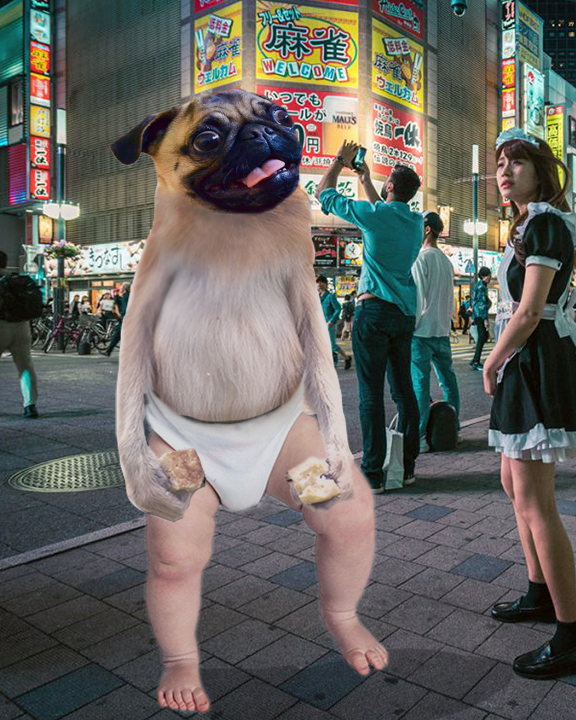
TITLE: Puppy Monkey Baby
MEDIA: Photo Editing
SOFTWARE: Photoshop
HARDWARE: Windows 10
CLASS: FMX 207 Digital Illustration
PROFESSOR: Chip Neville
SEMESTER / TERM: FS 21
INSTITUTION: University of Tampa
DESCRIPTION: I was given the image of a puppy, monkey, and baby. I remvoed the parts of the images I did not want, making sure to clean the edges. I then combined them to look like one figure and adjusted to colors. I then place it on a background and added in a shadow to complete the image.
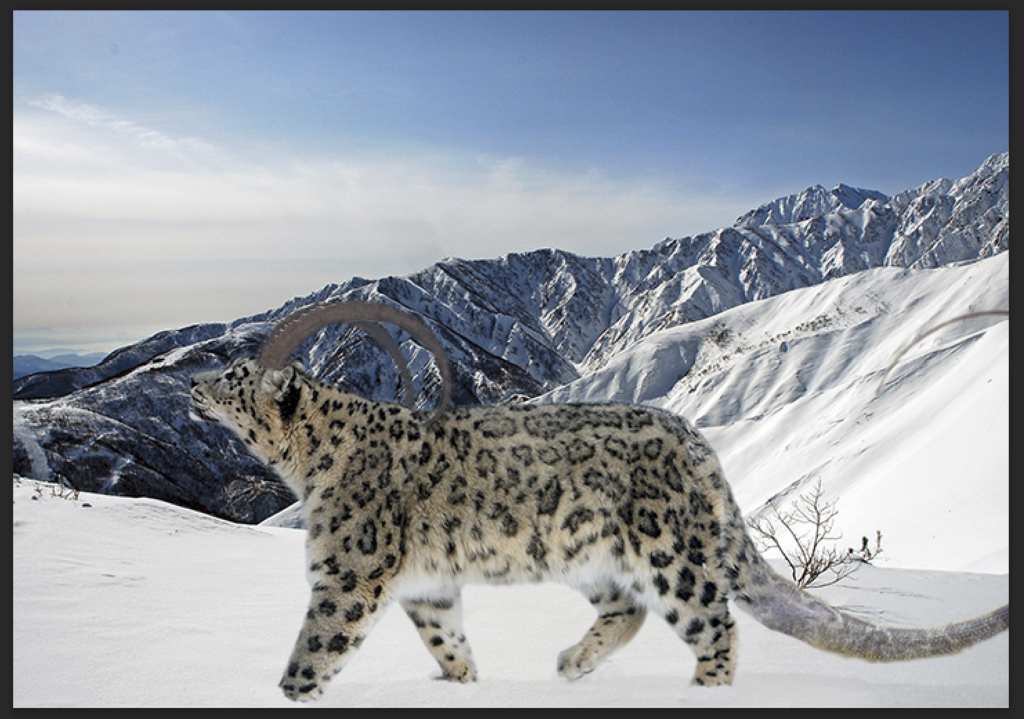
TITLE: Snow Leopard Hybrid
MEDIA: Photo Editing
SOFTWARE: Photoshop
HARDWARE: Windows 10
CLASS: FMX 207 Digital Illustration
PROFESSOR: Chip Neville
SEMESTER / TERM: FS 21
INSTITUTION: University of Tampa
DESCRIPTION: I found three diffrent pictures of animals to combine together, a snow leopard, a lizard, and an Ibex. I then removed the parts of the animals I wanted hidden. Then I aligned the images together and adjusted them to make them seem like they where part of the same creature. I then added in a shadow and placed the creature on a background, blending their paws into the snow.
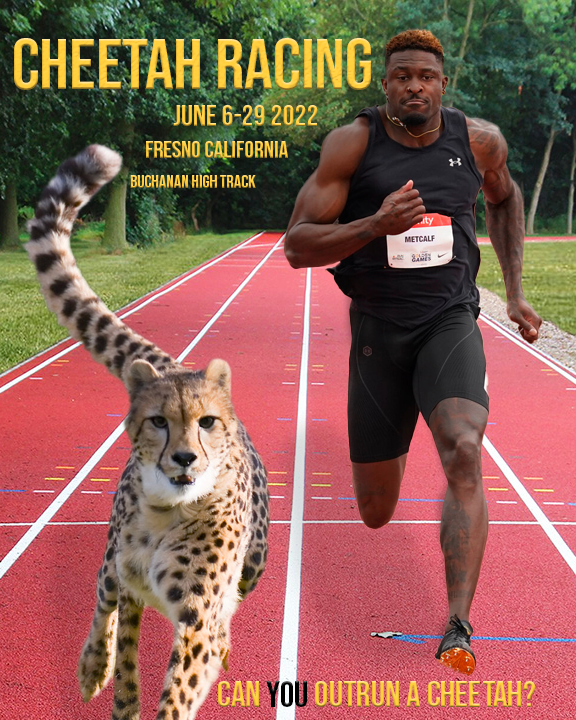
TITLE: Fake Sport Poster
MEDIA: Photo Editing
SOFTWARE: Photoshop
HARDWARE: Windows 10
CLASS: FMX 207 Digital Illustration
PROFESSOR: Chip Neville
SEMESTER / TERM: FS 21
INSTITUTION: University of Tampa
DESCRIPTION: I first thought of a cool idea for an unrealistic sport. I then found an iamge of cheetha running forwards and an image of a person running forwards. I removed the background for both pictured and postined them on the background of a track I found. I then adjusted the colors, added shadows, and added in text to finish the poster.
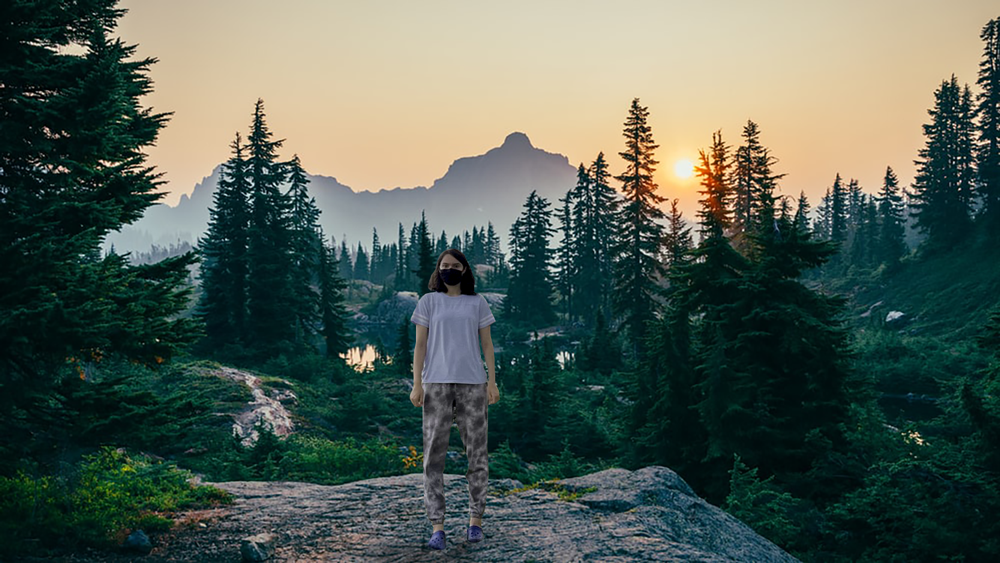
TITLE: Myself in Painting
MEDIA: Photo Editing
SOFTWARE: Photoshop
HARDWARE: Windows 10
CLASS: FMX 210-5 – Digital Media
PROFESSOR: Tyrone Stude
SEMESTER / TERM: FS 21
INSTITUTION: University of Tampa
DESCRIPTION: I found an old painting and put it into photoshop. I then took a picture of myself looking in the same direction as the person was looking in the painting. I then removed the persons face for the painting and added my face it its place, adusting the edges so that it looked natural.
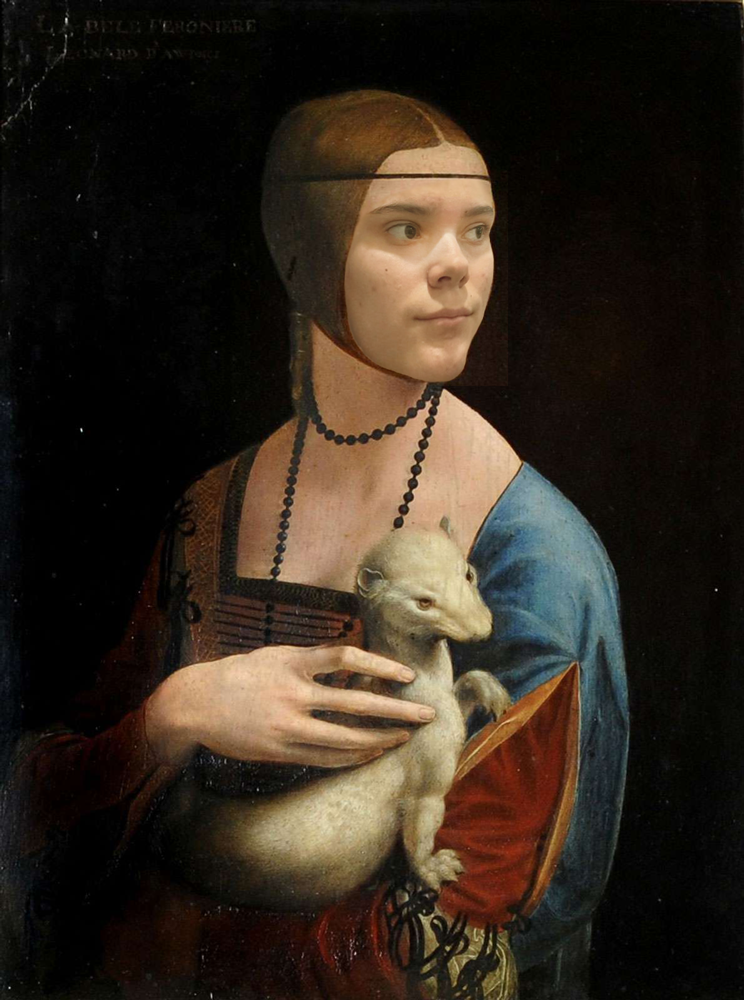
TITLE: Myself in Painting
MEDIA: Photo Editing
SOFTWARE: Photoshop
HARDWARE: Windows 10
CLASS: FMX 210-5 – Digital Media
PROFESSOR: Tyrone Stude
SEMESTER / TERM: FS 21
INSTITUTION: University of Tampa
DESCRIPTION: I found an old painting and put it into photoshop. I then took a picture of myself looking in the same direction as the person was looking in the painting. I then removed the persons face for the painting and added my face it its place, adusting the edges so that it looked natural.
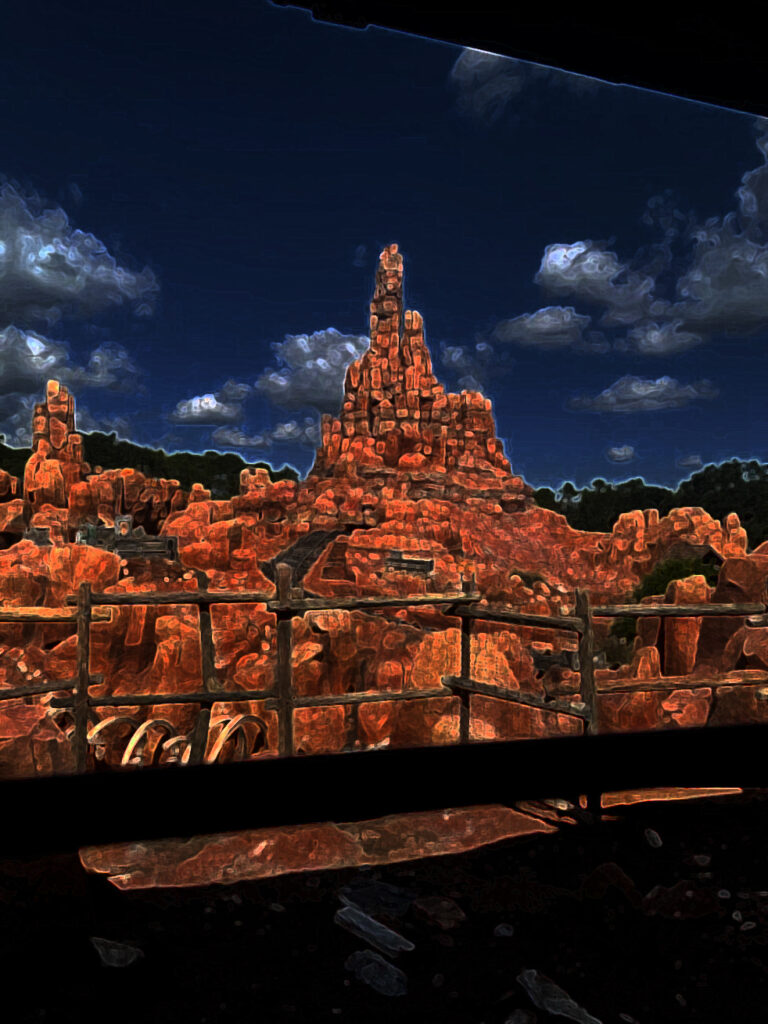
TITLE: Photo Filtering7
MEDIA: Photo Editing
SOFTWARE: Photoshop
HARDWARE: Windows 10
CLASS: FMX 210-5 – Digital Media
PROFESSOR: Tyrone Stude
SEMESTER / TERM: FS 21
INSTITUTION: University of Tampa
DESCRIPTION: I took a picture with my phone camera of a place I thought was intresting. I then added the photoshop and adjusted it to the right size. The end selected it and messed with the filter setting till I found one I thought looked good with the photo.
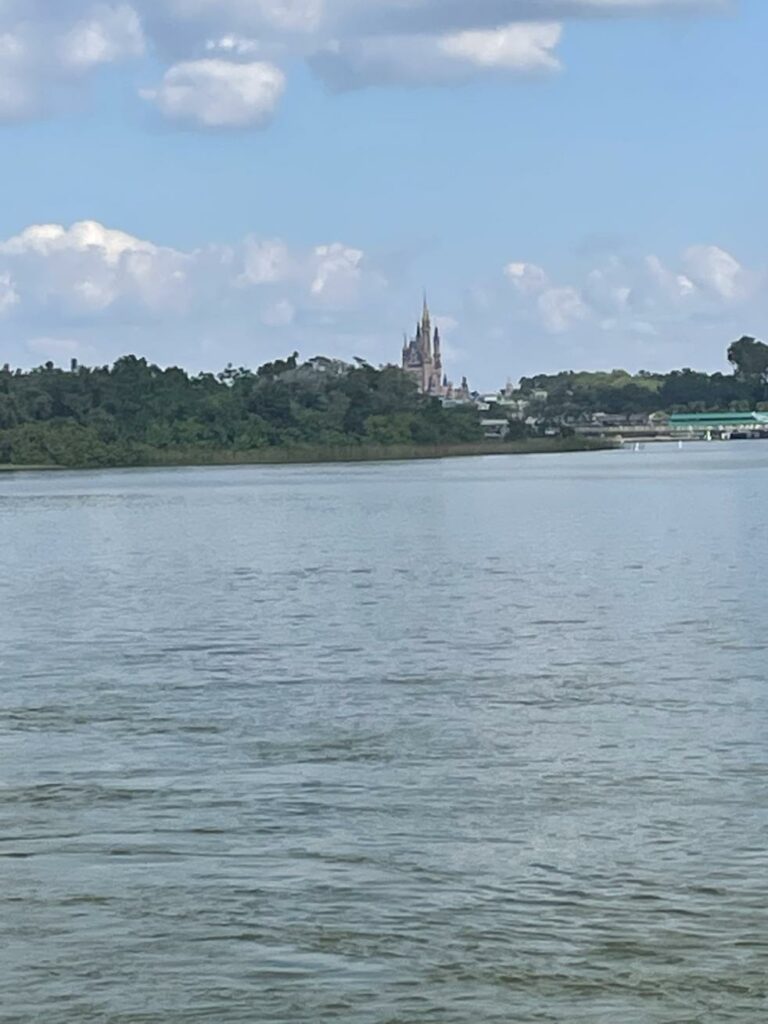
TITLE: Photo Filtering6
MEDIA: Photo Editing
SOFTWARE: Photoshop
HARDWARE: Windows 10
CLASS: FMX 210-5 – Digital Media
PROFESSOR: Tyrone Stude
SEMESTER / TERM: FS 21
INSTITUTION: University of Tampa
DESCRIPTION: I took a picture with my phone camera of a place I thought was intresting. I then added the photoshop and adjusted it to the right size. The end selected it and messed with the filter setting till I found one I thought looked good with the photo.
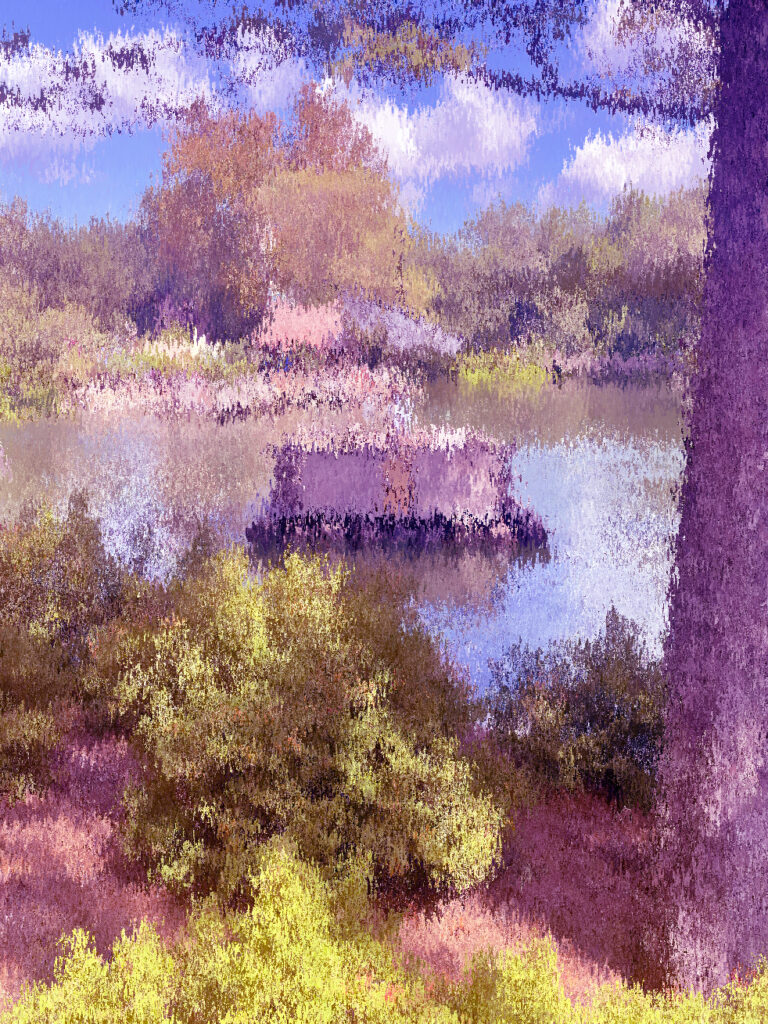
TITLE: Photo Filtering5
MEDIA: Photo Editing
SOFTWARE: Photoshop
HARDWARE: Windows 10
CLASS: FMX 210-5 – Digital Media
PROFESSOR: Tyrone Stude
SEMESTER / TERM: FS 21
INSTITUTION: University of Tampa
DESCRIPTION: I took a picture with my phone camera of a place I thought was intresting. I then added the photoshop and adjusted it to the right size. The end selected it and messed with the filter setting till I found one I thought looked good with the photo.
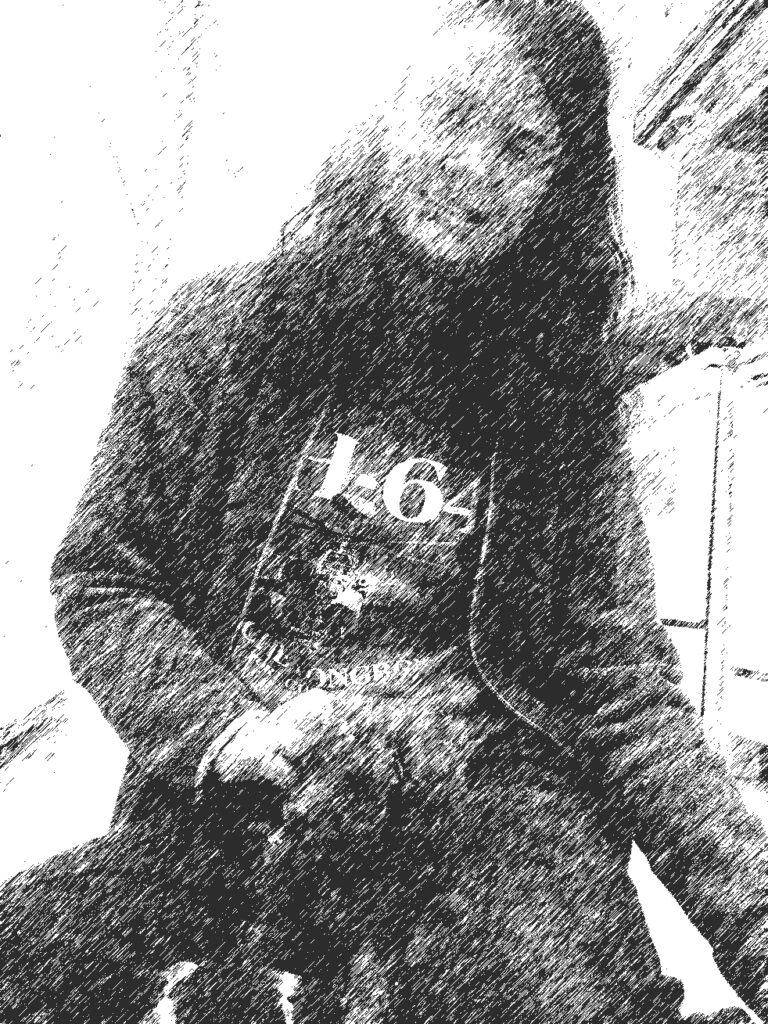
TITLE: Photo Filtering4
MEDIA: Photo Editing
SOFTWARE: Photoshop
HARDWARE: Windows 10
CLASS: FMX 210-5 – Digital Media
PROFESSOR: Tyrone Stude
SEMESTER / TERM: FS 21
INSTITUTION: University of Tampa
DESCRIPTION: I found a picture of myself with a dog I liked. I then added the photoshop and adjusted it to the right size. The end selected it and messed with the filter setting till I found one I thought looked good with the photo.
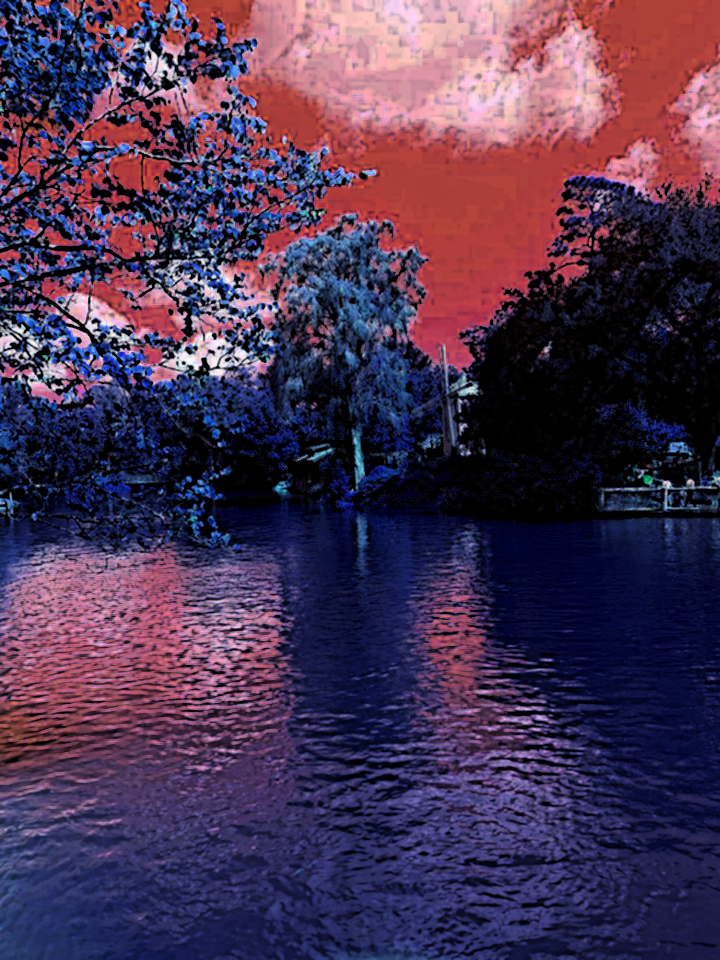
TITLE: Photo Filtering3
MEDIA: Photo Editing
SOFTWARE: Photoshop
HARDWARE: Windows 10
CLASS: FMX 210-5 – Digital Media
PROFESSOR: Tyrone Stude
SEMESTER / TERM: FS 21
INSTITUTION: University of Tampa
DESCRIPTION: I took a picture with my phone camera of a place I thought was intresting. I then added the photoshop and adjusted it to the right size. The end selected it and messed with the filter setting till I found one I thought looked good with the photo.
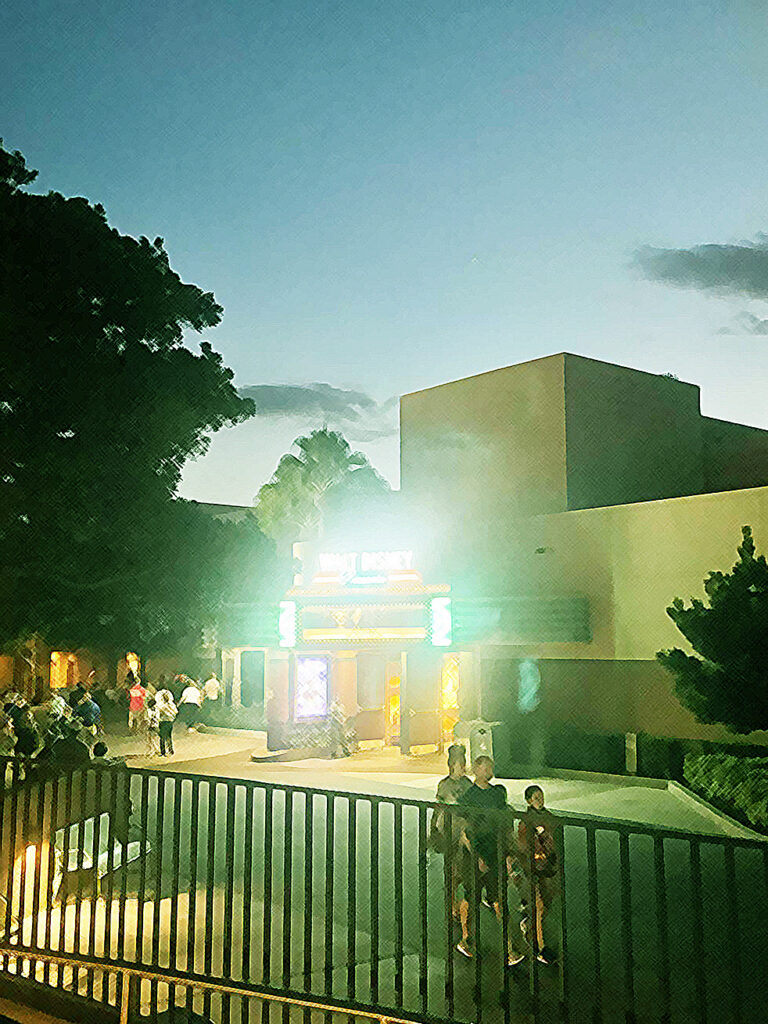
TITLE: Photo Filtering2
MEDIA: Photo Editing
SOFTWARE: Photoshop
HARDWARE: Windows 10
CLASS: FMX 210-5 – Digital Media
PROFESSOR: Tyrone Stude
SEMESTER / TERM: FS 21
INSTITUTION: University of Tampa
DESCRIPTION: I took a picture with my phone camera of a place I thought was intresting. I then added the photoshop and adjusted it to the right size. The end selected it and messed with the filter setting till I found one I thought looked good with the photo.
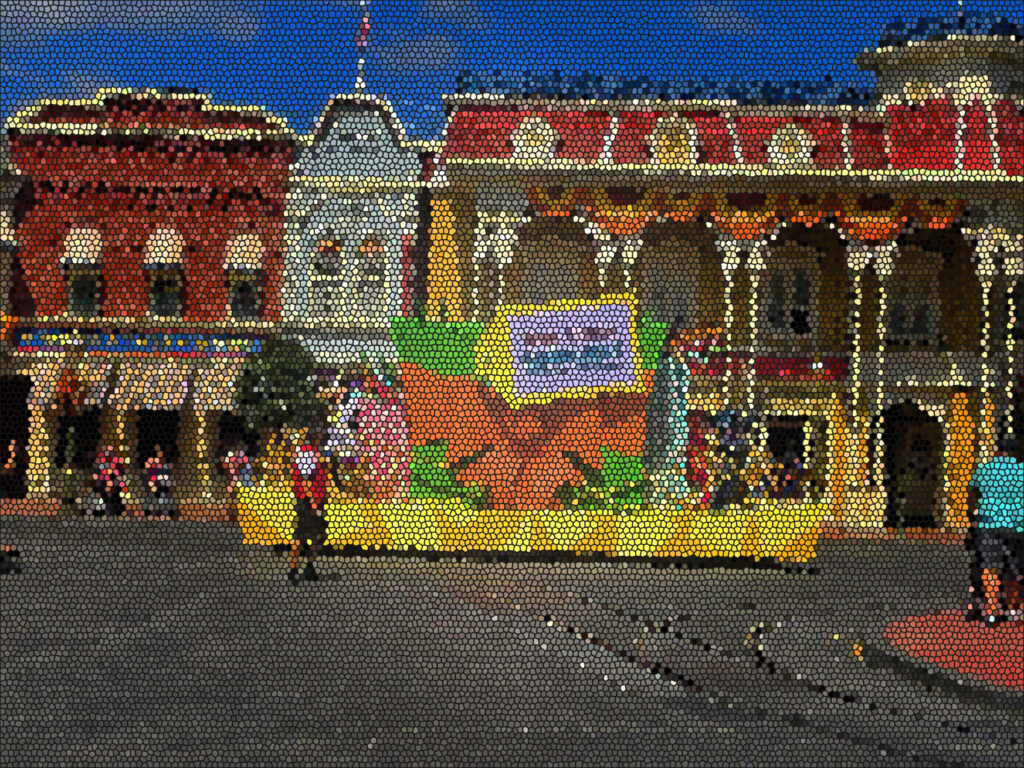
TITLE: Photo Filtering1
MEDIA: Photo Editing
SOFTWARE: Photoshop
HARDWARE: Windows 10
CLASS: FMX 210-5 – Digital Media
PROFESSOR: Tyrone Stude
SEMESTER / TERM: FS 21
INSTITUTION: University of Tampa
DESCRIPTION: I took a picture with my phone camera of a place I thought was intresting. I then added the photoshop and adjusted it to the right size. The end selected it and messed with the filter setting till I found one I thought looked good with the photo.