
TITLE: Penguin Snow Globe
MEDIA: Digital Animation
SOFTWARE: Unreal Engine 5, Premiere Pro, Abelton
HARDWARE: PC
SPECIFICATIONS: 1280X720px
CLASS: FMX 430 Spatial Computing
PROFESSOR: Gregg Perkins
SEMESTER / TERM: FA 23
INSTITUTION: University of Tampa
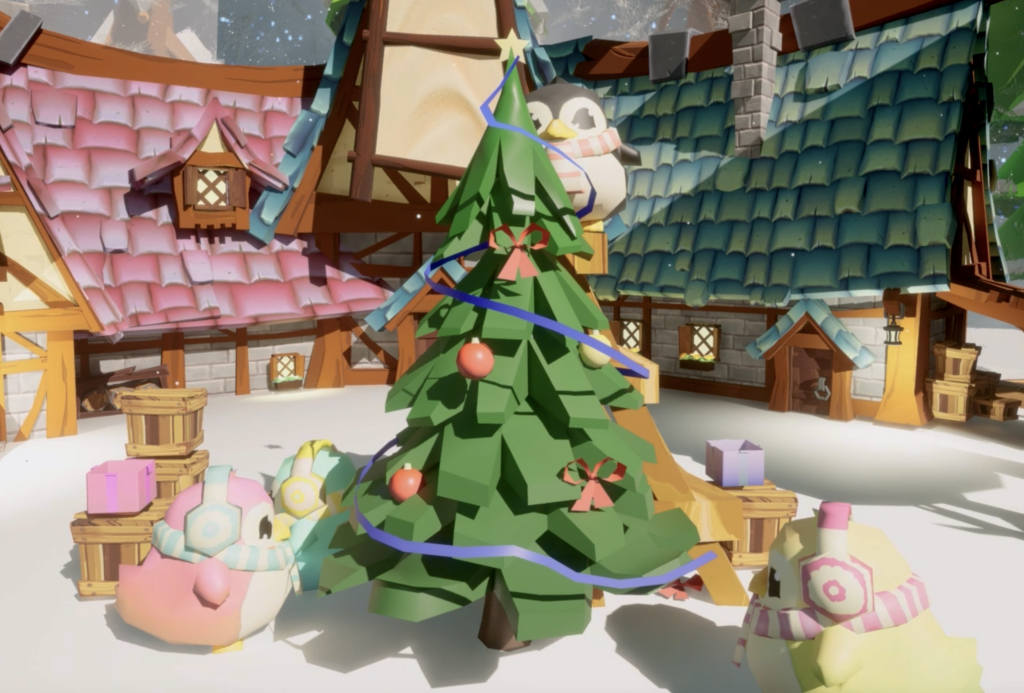
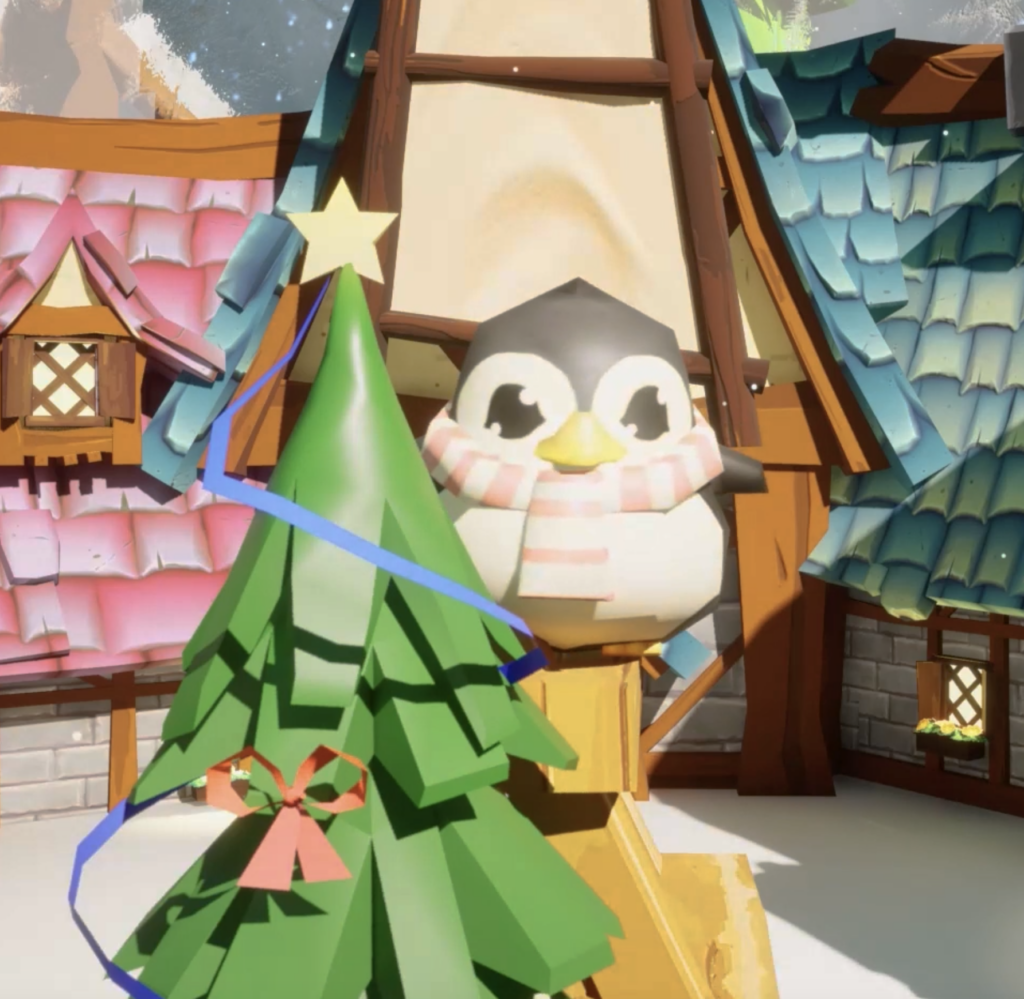
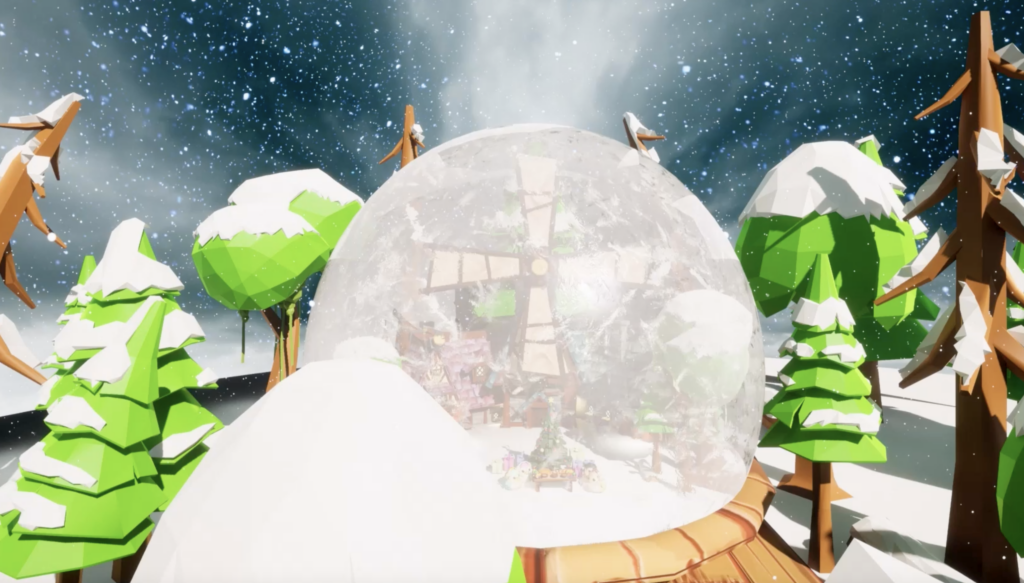
DESCRIPTION: “Penguin Snow Globe” is an animated sequence of a snow globe made in Unreal Engine. I used the “FANTASTIC Village Pack,” the “Poly Style Lowpoly Medieval Winter Village Mega Pack,” the “Low Poly Christmas,” and the “Cute Penguins” packs from the Unreal Marketplace. I then animated the penguins using the Cine Camera Actor in multiple sequences. After I rendered the sequences, I then created background music in Abelton and edited the two videos in Premiere Pro. I really enjoyed creating this snow globe and I am proud of the progress I have made towards animating, as that is not my strongest suit.

TITLE: Architectural Visualization
MEDIA: Digital Animation
SOFTWARE: Unreal Engine 5, Premiere Pro, Abelton
HARDWARE: PC
SPECIFICATIONS: 1280X720px
CLASS: FMX 430 Spatial Computing
PROFESSOR: Gregg Perkins
SEMESTER / TERM: FA 23
INSTITUTION: University of Tampa
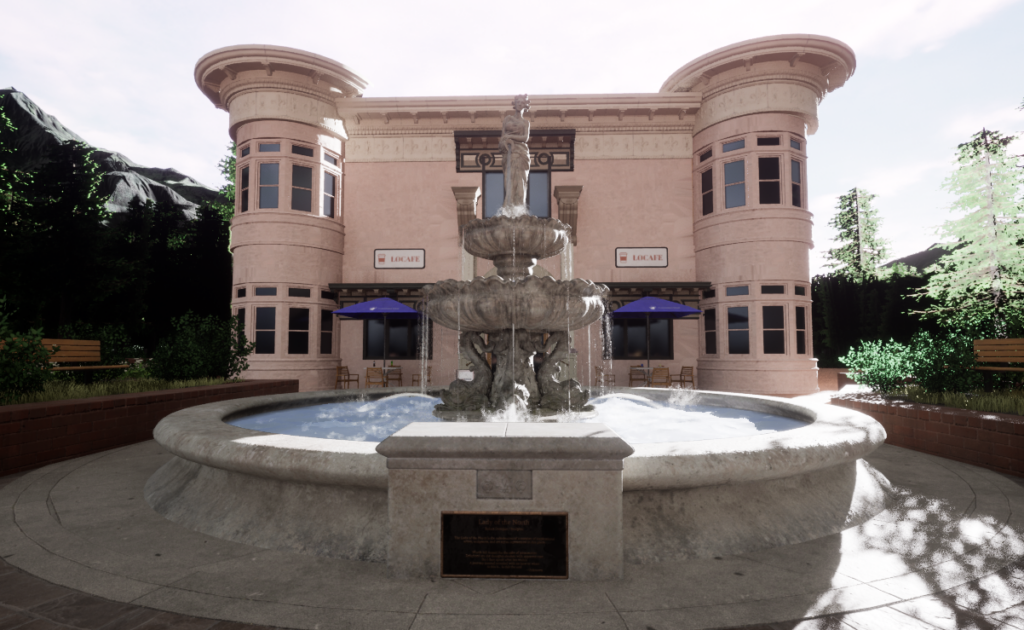
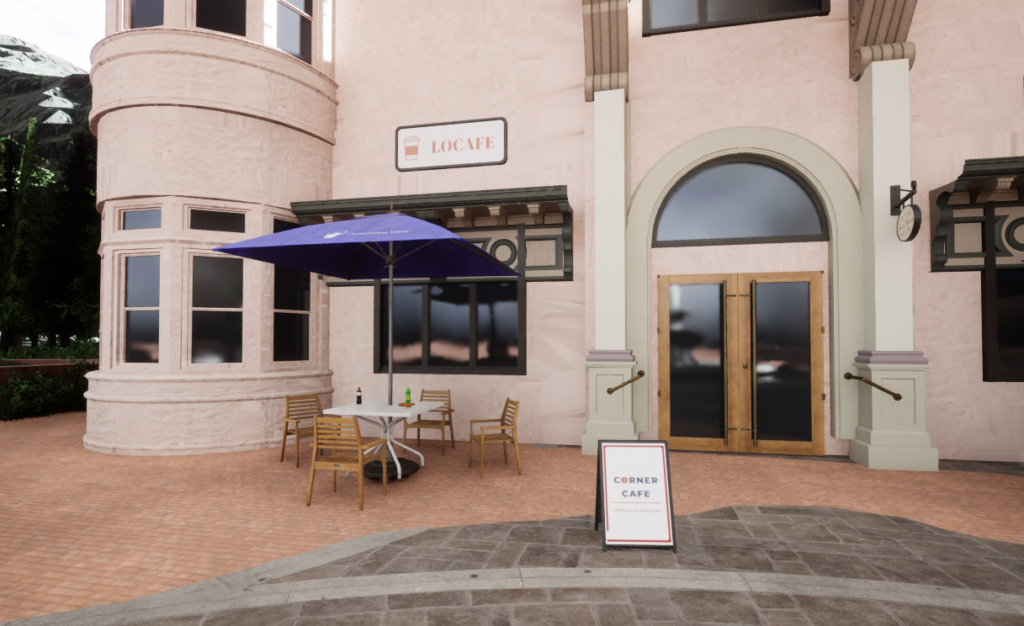
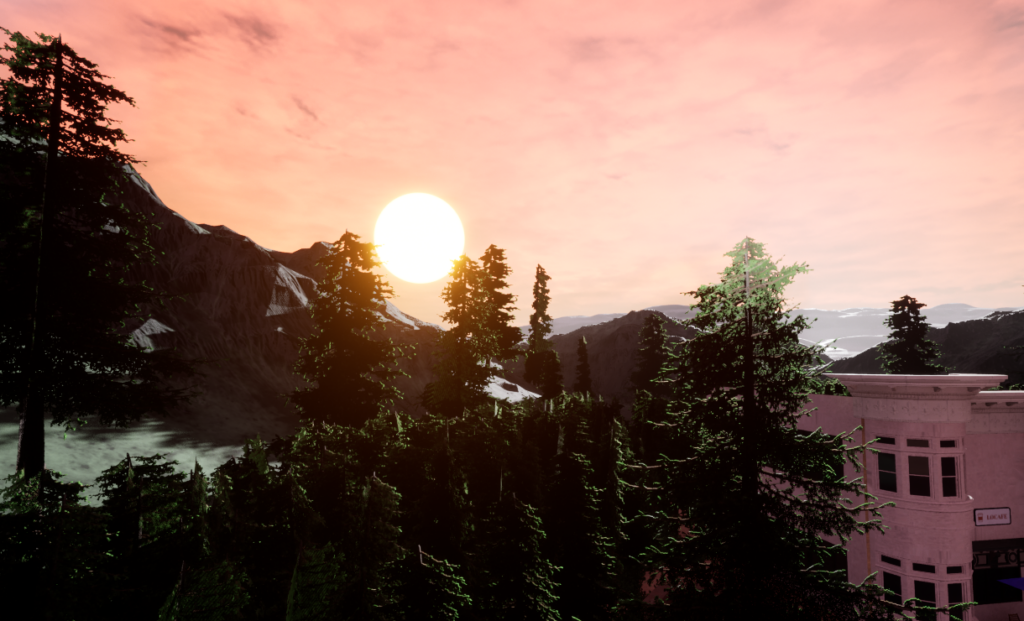
DESCRIPTION: “Architectural Visualization” is an environment created in Unreal Engine 5 using the “Downtown West Modular Pack” and “GOOD SKY” packs from the Unreal Marketplace. I created the world using the modular pieces and combining them together to create the park area. I then used the Cine Camera Actors in a sequencer to create the clips of the environment. While taking the clips, I used the “GOOD SKY” pack to change the time of day in the scene. Afterwards, I created background music in Abelton for the video. I then took the clips and the video and edited it together in Premiere Pro, creating the final product.
TITLE: Village VR
MEDIA: Digital Animation
SOFTWARE: Unreal Engine 5
HARDWARE: PC, Meta Quest 2
SPECIFICATIONS: 1280X720px
CLASS: FMX 430 Spatial Computing
PROFESSOR: Gregg Perkins
SEMESTER / TERM: FA 23
INSTITUTION: University of Tampa
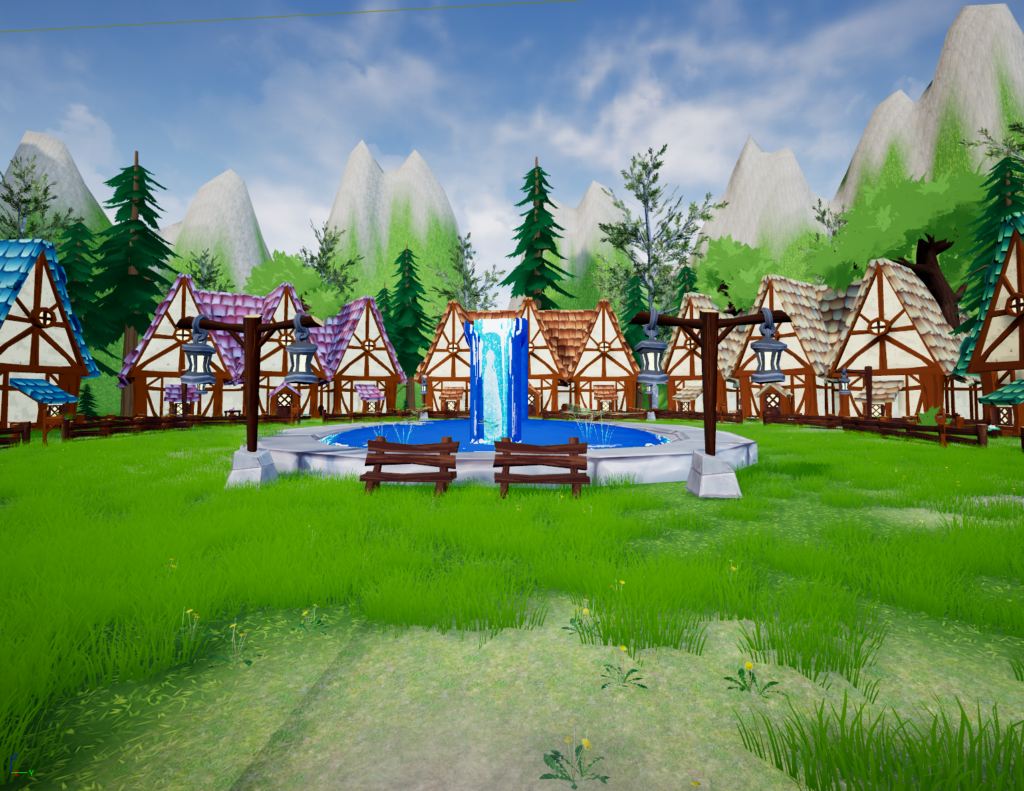
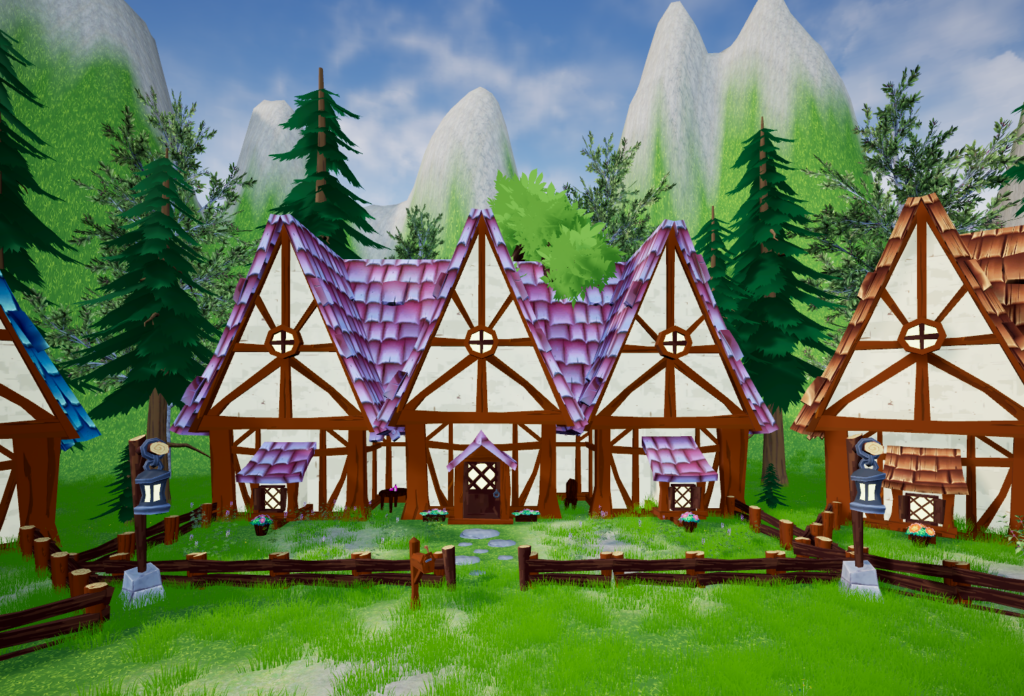
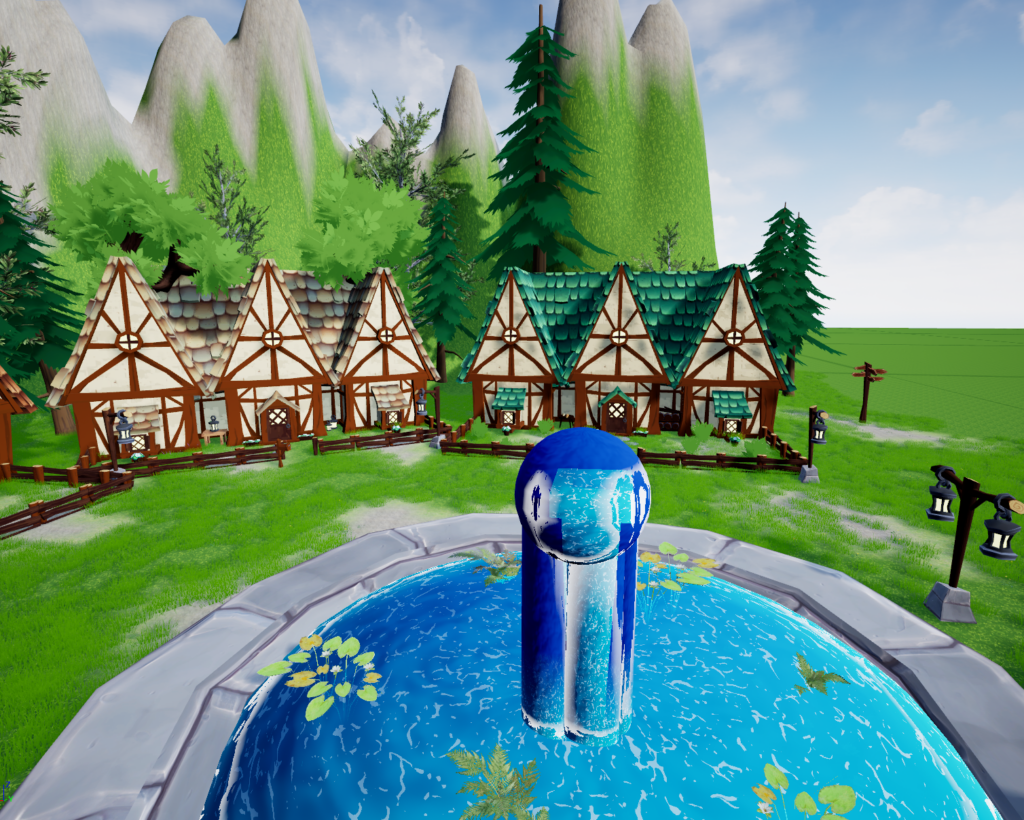
DESCRIPTION: “Village VR” is a world created in Unreal Engine 5 with the capability of being imported onto the Meta Quest 2. I created the environment using the “FANTASTIC Village Pack” from the Unreal Engine Marketplace. Then, I was able to import the world onto the Meta Quest 2 using Unreal Engine’s VR capabilities. It was a lot of fun to be able to move around in a world that I created. I enjoyed seeing my work come to life and being able to traverse around the space.
TITLE: Cesium Ion Flyovers
MEDIA: Digital Animation
SOFTWARE: Unreal Engine 5
HARDWARE: PC
SPECIFICATIONS: 1280X720px
CLASS: FMX 430 Spatial Computing
PROFESSOR: Gregg Perkins
SEMESTER / TERM: FA 23
INSTITUTION: University of Tampa
DESCRIPTION: “Cesium Ion Flyovers” are two flyovers of the cities of Tampa, Florida and Tokyo, Japan. Both of these flyovers use the Cesium Ion plugin for Unreal Engine 5, which uses Google Maps in order to create a 3D version of real cities. I began with the Tokyo one first and had a rough time using the Cine Camera Actor within the space. I ended up redoing the project and creating the Tampa flyover, which had smoother camera movements. For my first time using Unreal Engine, I was really impressed with what I could learn with the software in a short amount of time.

TITLE: Tulip Model
MEDIA: Digital Animation
SOFTWARE: Cinema 4D
HARDWARE: Macbook Pro 2019
SPECIFICATIONS: 1280X720px
CLASS: FMX 217 3D Animation I
PROFESSOR: Marcio Goncalves
SEMESTER / TERM: FA 21
INSTITUTION: University of Tampa
DESCRIPTION: “Tulip Model” is a 3D animated fairy. Honestly, this project was extremely hard for me and not my best work. Lots of issues occurred when modeling, primarily with the hands. Most of my time was devoted to fixing the hands. I learned a lot from this project, including a lot about modeling specific body parts, like the hands. I tried my very best with this project, however it seems that 3D modeling is not my strong suit.
TITLE: Fairy Wand and Bottle
MEDIA: Digital Animation
SOFTWARE: Cinema 4D
HARDWARE: Macbook Pro 2019
SPECIFICATIONS: 1280X720px
CLASS: FMX 217 3D Animation I
PROFESSOR: Marcio Goncalves
SEMESTER / TERM: FA 21
INSTITUTION: University of Tampa
LINK:https://maddywessling.blogspot.com/2021/10/magical-wand-and-fairy-dust-bottle.html
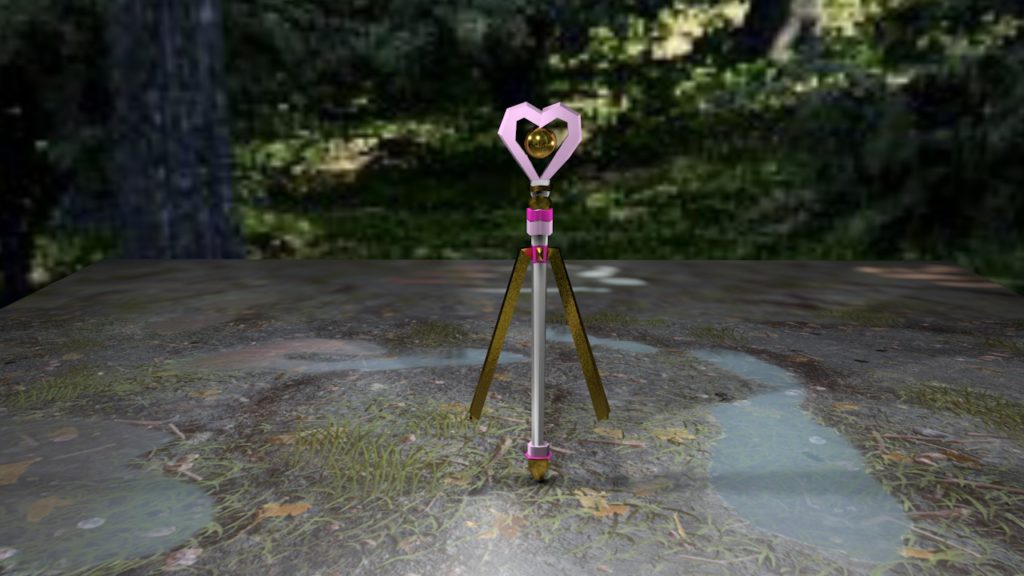
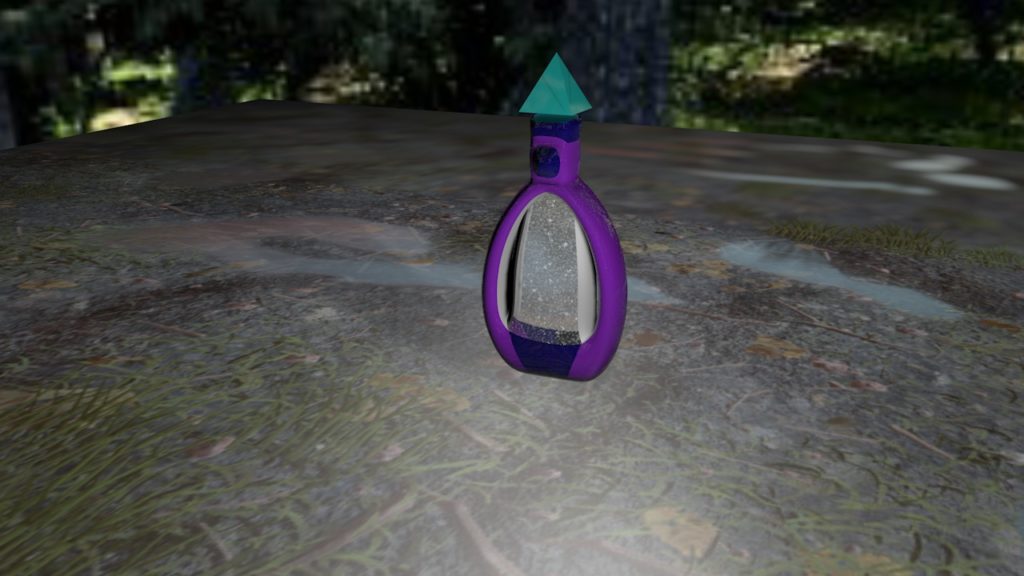
DESCRIPTION: “Fairy Wand and Bottle” are two pieces created within Cinema 4D to go together. Our objective was to create two objects for a character. I decided to make a fairy bottle and wand because it would be two objects a magical fairy character would have. I was inspired by shows like ‘Winx Club’, ‘Sailor Moon’, and ‘Futari Wa Pretty Cure’ when creating these models. The background textures are Cinema 4D templates which I thought fit the theme well for rendering. I ended up using the fairy wand for the “Tulip Model” project later on.

TITLE: Bomberman
MEDIA: Digital Animation
SOFTWARE: Cinema 4D
HARDWARE: Macbook Pro 2019
SPECIFICATIONS: 1280X720px
CLASS: FMX 217 3D Animation I
PROFESSOR: Marcio Goncalves
SEMESTER / TERM: FA 21
INSTITUTION: University of Tampa
LINK:https://maddywessling.blogspot.com/2021/09/bomberman.html
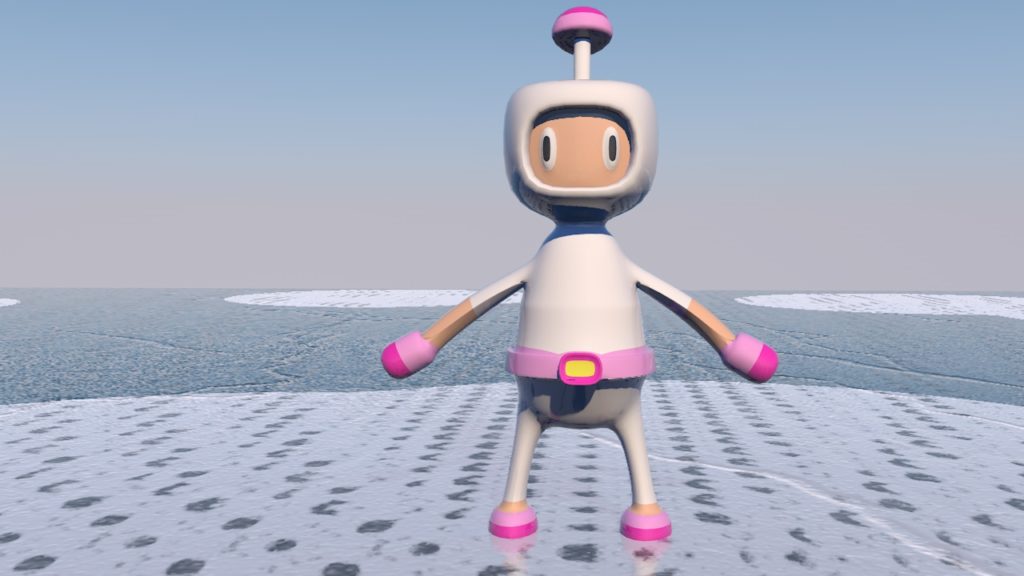
DESCRIPTION: “Bomberman” is a piece where I took the character, “Bomberman” and 3D animated it. I chose to do both a more classic blocky style and a rounder more futuristic style. The more blocky style was made without using subdivisions and is simpler in design than the rounder style. I find the expression on the rounder style to be very funny, almost like he is scared. Overall, I learned a lot about the basics of creating a character within this project.

TITLE: Sword and Shield
MEDIA: Digital Animation
SOFTWARE: Cinema 4D
HARDWARE: Macbook Pro 2019
SPECIFICATIONS: 1280X720px
CLASS: FMX 217 3D Animation I
PROFESSOR: Marcio Goncalves
SEMESTER / TERM: FA 21
INSTITUTION: University of Tampa
LINK:https://maddywessling.blogspot.com/2021/09/sword-and-shield.html
DESCRIPTION: “Sword and Shield” is my second project using Cinema 4D. I was tasked to create a sword and shield and use textures to make them look sophisticated. I had a bit of trouble getting the textures to work in the beginning, but after some troubleshooting, I was able to apply the textures properly. I ended up re-using and editing the shield model later for the “Tulip Model” project.
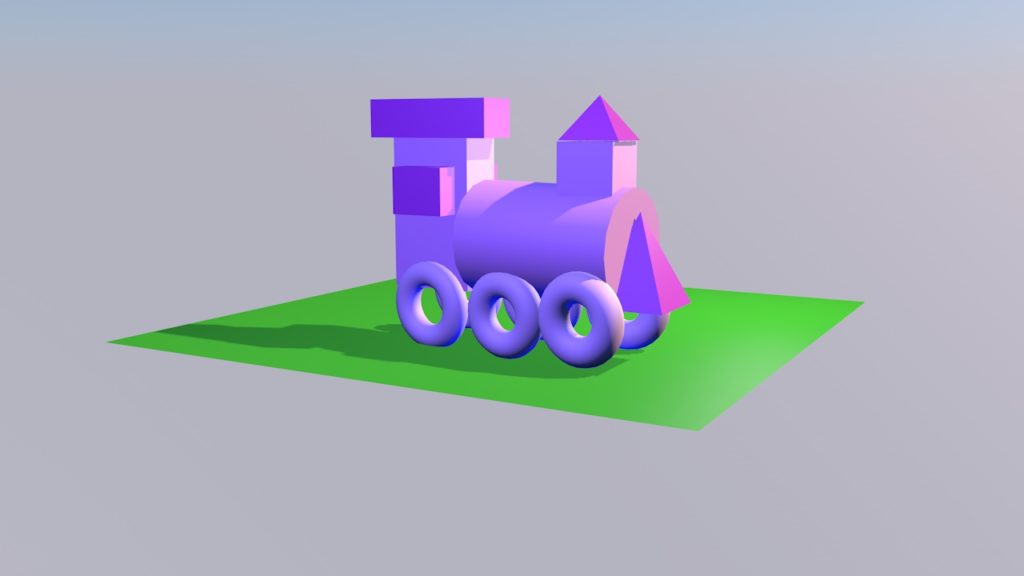
TITLE: 3D Train
MEDIA: Digital Animation
SOFTWARE: Cinema 4D
HARDWARE: Macbook Pro 2019
SPECIFICATIONS: 1280X720px
CLASS: FMX 217 3D Animation I
PROFESSOR: Marcio Goncalves
SEMESTER / TERM: FA 21
INSTITUTION: University of Tampa
LINK:https://maddywessling.blogspot.com/2021/09/first-ever-try-at-3d-animation.html
DESCRIPTION: “3D Train” is my first ever project working in 3D animation and my first time ever using Cinema 4D. During this project, I realized that my old Surface Pro was not going to be suitable moving forward with my projects in New Media. I ended up getting a Macbook Pro to work on my assignments during this project, which evolved my work to the next level. I was proud that I was able to create an object with a new software fairly quickly.